Collecting Feedback
What a Good Feature Request Form Asks (and What It Leaves Out)
“Please add export” tells you almost nothing. A longer form fixes that, until people stop finishing it. A good feature request form sits in between: a few questions that reveal the real problem, and nothing that doesn't earn its place.
Hearnode Team8 min read
In This Article
- Why most feature request forms collect the wrong things
- What a good feature request form asks
- What a feature request form should leave out
- Required, optional and team-only fields
- Use separate forms for ideas, improvements and bugs
- A feature request form example
- Where you put the form matters too
- Test your feature request form before you trust it
- Feature request forms in Hearnode
- Feature request form FAQs
Most product teams have received a request like this: a title that says “Export”, a description that says “please add export”, and nothing else. Export of what? To where? For whom? The customer clearly had a reason, and it was obvious to them when they typed it. It just didn't make it into the form.
The usual response is to add fields. Then the form has nine questions, three of them required, and only the most determined customers finish it. The ones who give up often had the most useful thing to say. A good feature request form avoids both failures. It asks a few questions that reveal the problem behind the request, and it leaves everything else out.
Why most feature request forms collect the wrong things
Forms tend to be designed around what the team wants to store rather than what it needs to learn. That's how you end up with a priority dropdown, a product area picker that mirrors your org chart, and a free-text box labelled “Describe the feature”.
The last one is the real problem. Asking customers to describe a feature invites them to design your product for you. They'll do it, and some of their designs will be good, but what you need first is the situation they were in when they wished the product worked differently. Solutions are cheap to generate. Well-described problems are rare.
What a good feature request form asks
Four questions cover most of what you need. Only the first one should usually be required.
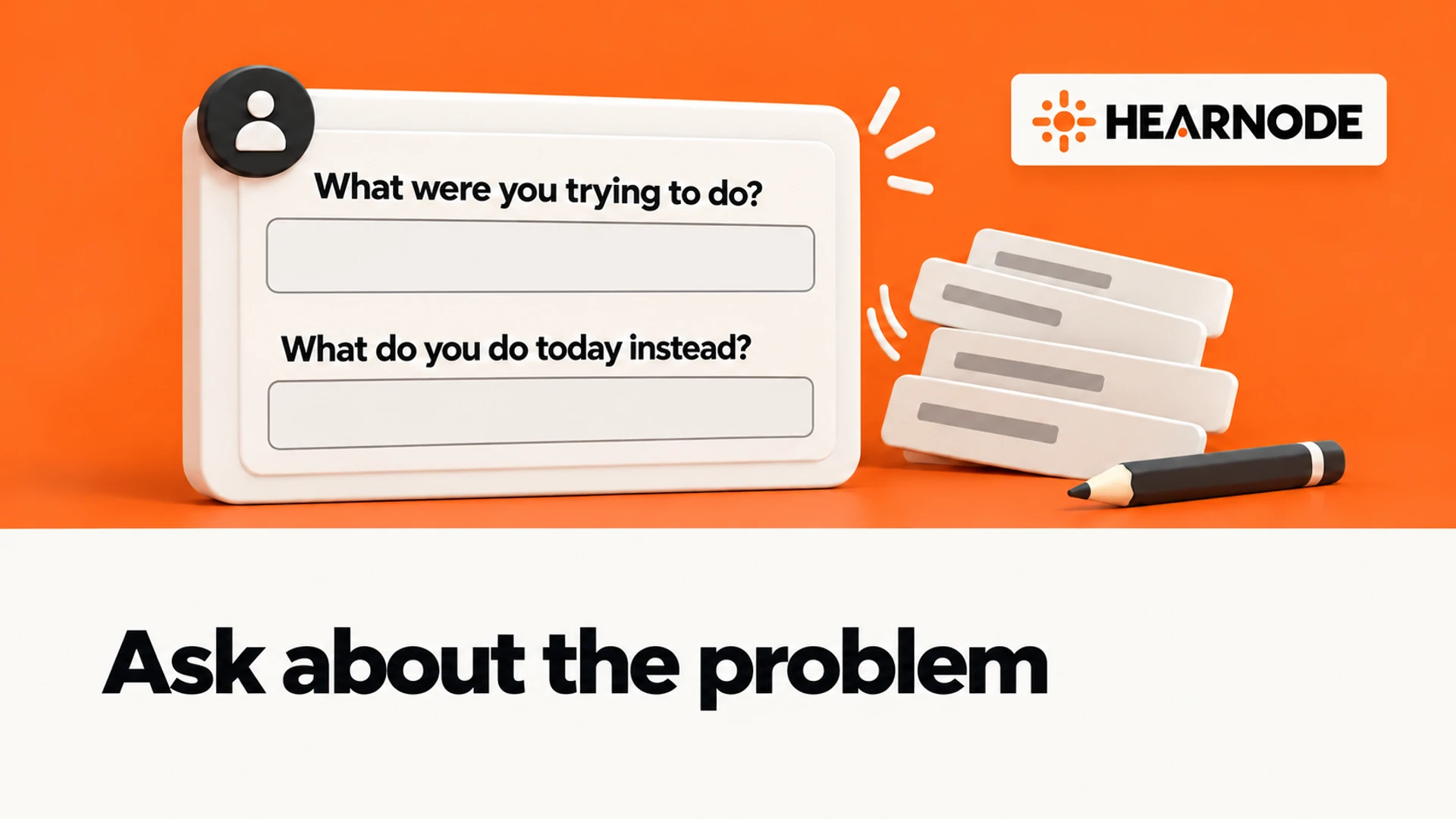
What were you trying to do?
This is the core question, and it's worth wording carefully. “What were you trying to do when you needed this?” pulls people toward a concrete moment. Answers like “send our board a monthly summary” or “move our data out of the old system” tell you far more than “export”.
What do you do today instead?
The workaround tells you how much pain the gap causes. Someone copying numbers into a spreadsheet for ten minutes a month has a minor problem. Someone who pays a contractor every week to do it has a serious one. It also tells you what your solution has to beat.
How often does this come up?
Frequency is a decent stand-in for impact without asking customers to rate their own urgency, which everyone rates as high. A simple choice works: daily, weekly, monthly, rarely.
Is there anything else we should know?
An optional free-text box at the end catches the details nobody thought to ask about. Keep it optional. People who have something to add will add it.
| Question | What it tells you | Required? |
|---|---|---|
| What were you trying to do? | The job behind the request | Yes |
| What do you do today instead? | How painful the gap is, and what you need to beat | No |
| How often does this come up? | Rough impact, without asking for a priority | No |
| Anything else we should know? | Details you did not think to ask about | No |
| Your name and email | Who to follow up with and notify | Yes, unless they are signed in |
What a feature request form should leave out
Every field has a cost. It takes time to read, it raises a small doubt about whether to continue, and it adds something your team has to process. These are the fields that rarely pay for themselves:
- “How important is this?” Almost everyone picks the highest option. You learn nothing, and customers who pick a lower one may feel ignored later.
- A required “proposed solution” field. Some customers have one and should be able to share it. Making it required pushes everyone into designing.
- Product area pickers based on your internal teams. Customers don't know your org chart. Tag requests yourself during triage.
- Company size, industry and role. If the person is signed in, you already know these. If they aren't, ask later, when there's a reason to.
- “When do you need this by?” It turns a suggestion into a deadline you didn't agree to.
Leaving out personal data you don't need is also simply good practice. Every extra detail you collect is something you then have to protect.
Required, optional and team-only fields
Required fields are a trade. Each one improves the quality of submissions that make it through and reduces how many make it through at all. The question is always whether the field is worth the people you'll lose. Zealsync's piece on how many fields a contact form should have works through the same trade for contact forms, and the reasoning carries over almost unchanged.
There's a third kind of field that many forms forget: the team-only answer. Some questions are useful to you but awkward to publish, such as “which account is this for?” or “how many seats would this affect?”. On a public board, customers will happily answer those if they know the answer won't be shown to other customers. Mark those fields as team-only and say so next to the field.
Public boards and private boards need slightly different forms
On a public board, other customers will read what's submitted, so people write more carefully and leave out details they don't want to share. That's where team-only fields earn their keep. On a private board, such as one for beta testers or internal staff, you can ask more directly, because the audience is smaller and the answers stay inside your team. If you run both, it's worth adjusting the helper text for each rather than copying the same form across.
Use separate forms for ideas, improvements and bugs
A bug report and a new idea need different information. Forcing both through one form produces bug reports without steps to reproduce and feature ideas with a field for “expected behaviour”. Three short forms work better than one long one:
- New idea: what you were trying to do, what you do instead, how often it comes up.
- Improvement to something existing: which part of the product, what gets in the way, what would make it easier.
- Bug: what you did, what you expected, what happened instead, and where (browser, device or page).
Let customers pick the type with plain labels, and don't worry when they pick wrong. You can move a request between types during triage, which our feature request management guide covers.
A feature request form example
Here's how the questions above read as a real form for new ideas. The helper text under each question does a lot of work, so don't skip it.
- Give your idea a short title. For example: “Monthly summary email for managers”.
- What were you trying to do when you needed this? (required) Describe the situation, not the solution. What were you working on?
- What do you do today instead? A workaround, another tool, a manual step, or nothing at all.
- How often does this come up? Daily / Weekly / Monthly / Rarely
- Which account is this for? (visible to our team only)
- Anything else we should know? Screenshots, links or examples are welcome.
That's six fields, one of them a title and only one required beyond it. Most people can complete it in under two minutes, and the result is a request your team can act on.
Where you put the form matters too
The same form gets different answers in different places. On a public feedback board, people tend to write considered ideas. Inside your product, at the moment something gets in the way, they write shorter and more specific ones. Both are useful. For in-product placement, our guide to in-app feedback covers when a form helps and when it interrupts.
Test your feature request form before you trust it
Forms always look better to the people who wrote them. Before you treat yours as finished, put it through a short test:
- Fill it in yourself, for a real request, on a phone. Note every moment you hesitate.
- Ask someone outside the product team to do the same and watch where they get stuck.
- After two or three weeks, read twenty real submissions in a row. Which questions get skipped? Which answers are useful?
- Remove or reword any question that consistently gets blank or one-word answers.
- Check that every required field earned its place by producing something you used.
Expect to change the wording a few times. Small edits to helper text often make a bigger difference than adding or removing a field. For example, changing “Describe your request” to “What were you trying to do?” tends to shift answers from solutions toward problems almost immediately.
Feature request forms in Hearnode
In Hearnode, each Brand's feedback boards can have separate forms for ideas, improvements and bugs. Each form supports short text, long text, and single or multiple choice fields, and you choose which are required.
- Any field can be marked team-only, so customers can answer it without the answer appearing publicly.
- Guests can submit with a name and email address. They don't need to create an account first.
- The same forms work on your portal and in a widget inside your product, where signed-in customers are identified automatically.
- Forms keep their history, so changing a question later does not rewrite answers already given.
The feedback forms guide walks through setting them up. Start with the four questions above and adjust once you've seen what real submissions look like.
A form is only the start, of course. What makes it worthwhile is what happens next: someone reads the request, links it to similar ones, and eventually tells the customer what was decided. If you get that part right, people will fill in your form with care, because they've seen that it leads somewhere.
Feature request form FAQs
What should a feature request form include?
At minimum, a short title, a required question about what the customer was trying to do, and a way to contact them. Optional questions about their current workaround and how often the problem comes up add a lot of value for little effort.
How many fields should a feature request form have?
Usually four to six, with only one or two required. Every extra required field improves the answers you receive but reduces how many people finish the form.
Should customers be able to suggest a solution in a feature request form?
Yes, but as an optional field. Some customers have good ideas. Making a solution required pushes everyone to design features instead of describing the problem, which is the more useful information.
Should bug reports and feature requests use the same form?
No. Bugs need steps to reproduce, expected and actual behaviour, and where the problem happened. Ideas need the job behind them. Separate short forms produce better answers than one long combined form.
Do customers need an account to submit a feature request?
They should not have to. Asking for a name and email address is enough to follow up and notify them. Requiring an account adds a step that stops many people from submitting at all.
Put this into practice with Hearnode
The features and guides behind this article.