Roadmaps & Releases
How to Write Release Notes People Actually Read
Most release notes are written for the team that shipped the work: ticket numbers, internal component names and no reason for anyone else to care. Release notes people actually read are written from the other side, for the customer who has to decide whether this change matters to them.
Hearnode Team9 min read
In This Article
- Why most release notes go unread
- Who release notes are really for
- How to write release notes in seven steps
- A before and after example
- What to leave out of release notes
- Who should write release notes
- One release, several places
- Release notes vs changelog
- How long should release notes be?
- A simple structure to start from
- Writing and publishing release notes in Hearnode
- Release notes FAQs
Here's a release note you've probably seen some version of: “v4.12.0. Refactored ReportBuilder service. Fixed #2281, #2307. Improved performance. Updated dependencies.” Every word of it is true, and almost none of it is useful to a customer. Which reports are faster? Is #2281 the bug that's been annoying them? Do they need to do anything?
Release notes like that aren't lazy. They're written by people who know the work intimately, for an audience that knows it equally well, which is to say, for themselves. Learning how to write release notes that customers read is mostly a matter of switching sides: writing for the person who wasn't in the room and has thirty seconds to decide whether this matters.
Why most release notes go unread
Customers skip release notes for predictable reasons:
- The title says nothing. A version number isn't a reason to click.
- The language is internal. Component names, ticket IDs and jargon mean nothing outside the team.
- Everything looks equally important. A major new feature and a typo fix get the same bullet point.
- There's no “so what”. The note says what changed, never why it matters to the reader.
- They arrive too often. If every minor fix gets an announcement, people learn to ignore all of them.
Who release notes are really for
It helps to remember that release notes have several audiences, each looking for something different:
| Reader | What they want to know |
|---|---|
| Customers | Does this change how I work? Is my problem fixed? |
| Support team | What will customers ask about, and how do I answer? |
| Sales and success | What can I tell prospects and accounts about? |
| Your future self | When did this change, and why? |
Customers come first, because they're the largest group and the hardest to reach. If your notes work for them, they usually work for the rest.
How to write release notes in seven steps
1. Lead with what changed for the reader
Start with the effect, not the implementation. “Reports now load in a couple of seconds, even for large accounts” beats “Optimised the reporting query layer.” If you can't describe the change in terms of something a customer will notice, it may not need a release note at all.
2. Write a title that says something
The title does most of the work, because it's often the only part people read. Name the benefit: “Schedule reports to arrive in your inbox”, not “Release 4.12”. Keep version numbers for a small line underneath.
3. Group changes by what people care about
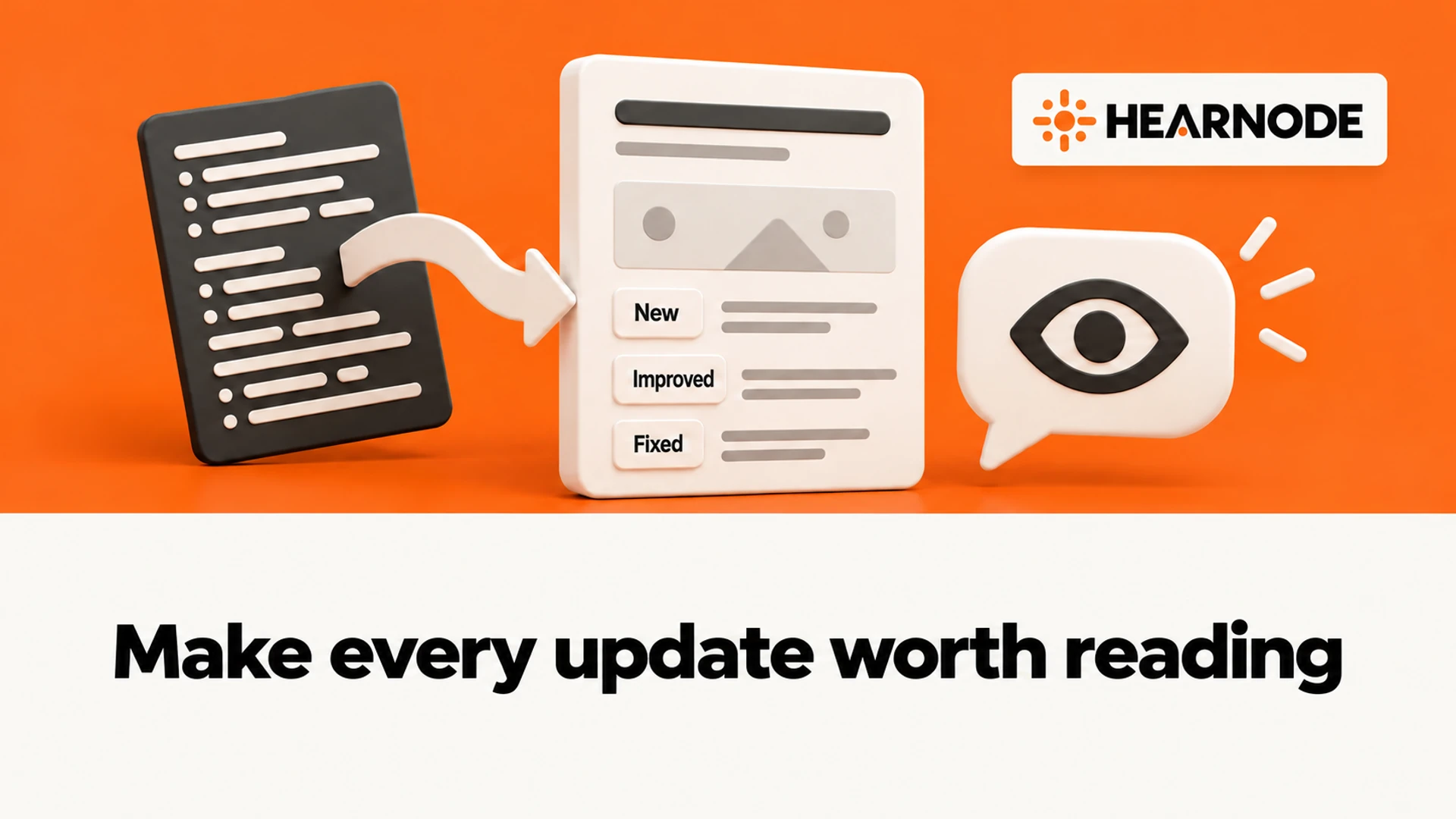
Three groups cover most releases: New, Improved and Fixed. Put the biggest change at the top, with a short paragraph. Smaller items can be single lines underneath. Readers should be able to stop after the first item and still have learned the most important thing.
4. Explain why, in a sentence
One sentence of context makes a change easier to understand and easier to accept, especially when something has moved or been removed. “We moved export to the toolbar because most people looked for it there.”
5. Show it, when it is visual
A screenshot of the new screen, with the important part highlighted, saves a paragraph of description. Keep images focused and readable on a phone. Skip them for changes that aren't visible.
6. Name the request it answers
If a change came from customer feedback, say so and link to the original request. It shows customers that asking works, and it lets the people who asked find the answer quickly. This is one of the simplest ways to close the feedback loop.
7. Say what to do next
Does the customer need to turn something on, update a setting or tell their team? Say so plainly at the end. If nothing is required, you can say that too: “There's nothing to set up. It's already on.”
A before and after example
Here is the same release written twice.
Before: “v4.12.0. Added scheduled export functionality to ReportBuilder. Fixed #2281 (CSV encoding). Performance improvements.”
After: “Scheduled reports are here. You can now have any saved report emailed to you or your team every day, week or month. Open a report, choose Schedule and pick who should receive it. This was one of the most requested features on our feedback board, so thank you to everyone who asked. Also in this release: exported CSV files now open correctly in spreadsheet apps that use accented characters, and large reports load noticeably faster.”
The second version is longer, but it's faster to read, because the reader knows within one line whether it matters to them. And it tells them exactly how to use the new feature.
What to leave out of release notes
- Ticket numbers and internal code names, unless your customers use them too.
- Changes nobody will notice, such as refactoring, unless they explain a visible improvement.
- Vague claims like “various improvements” or “bug fixes”. Either say what improved or leave it out.
- Excess excitement. One exclamation mark per release is plenty. Let the change speak.
- Promises about the future. Release notes describe what shipped. Plans belong on your roadmap.
Who should write release notes
Whoever writes them needs two things: an understanding of what changed and an understanding of the customer. Engineers have the first, support and marketing often have the second. The arrangement that works for many teams is a short handoff: the person who built the change writes three or four plain sentences about what it does and who it's for, and someone closer to customers turns that into the final note.
In small teams that's often the same person wearing two hats, which is fine. The important part is that the final version is read by someone who wasn't involved in the work. If they can't tell what changed and why it matters, a customer won't be able to either.
One release, several places
The same release usually appears in more than one place, and each place needs a slightly different version of it:
- The changelog page gets the full note. It's the permanent record people can link to and search.
- An in-app announcement gets the title and a sentence or two, with a link to the full note. People are in the middle of something, so keep it short.
- An email goes only to the people the change affects, such as those who asked for it, and leads with what it means for them.
- Your help docs get updated instructions if the change affects how something works.
Writing the long version first and trimming it for each channel is much easier than writing four separate notes from scratch.
Release notes vs changelog
The two terms overlap, and many teams use them interchangeably. When they're separated, the difference usually looks like this:
| Release notes | Changelog | |
|---|---|---|
| Purpose | Explain a release to the people it affects | Keep a running record of every change |
| Tone | Written for customers, focused on benefits | Brief and factual |
| Length | A short article per release | A line or two per change |
| Where it lives | Email, in-app announcement, blog | A dedicated page, newest first |
Many products combine them: a hosted changelog page where each entry is written as a short, readable release note. That gives customers one place to look, and it gives your team one thing to write.
How long should release notes be?
As long as the most important change needs, and no longer. A major feature might deserve three or four short paragraphs and an image. A batch of small fixes might be five lines. If you find yourself writing more than a few hundred words, consider whether the feature needs a help article as well, with the release note linking to it.
Frequency matters as much as length. If you ship every day, don't announce every day. Group small changes into a weekly or fortnightly note, and save individual announcements for changes that deserve attention. Our guide to feature announcements covers how to decide who should hear about what.
A simple structure to start from
- Title: the most important change, as a benefit.
- First paragraph: what it does, who it is for and how to use it.
- Image: only if the change is visible.
- Credit: a line linking the customer requests it answers.
- Also in this release: short lines for smaller improvements and fixes.
- Next step: anything the reader needs to do, or a note that nothing is required.
Writing and publishing release notes in Hearnode
Hearnode's Changelog & Announcements is where release notes live. You write a release once, preview exactly what customers will see, and publish it to a hosted changelog on your portal and to an in-app What's New widget.
- Drafts can be previewed and scheduled for a specific local date and time, with an explicit timezone.
- Each announcement can be linked to the requests and roadmap items it delivers, so customers who asked can find the answer.
- The changelog supports categories, pinning, comments and reactions.
- Publishing and notifying are separate actions, so you can publish quietly and decide later who should be told.
- You can duplicate a past announcement as a starting point, which helps keep the structure consistent.
Once a release is out, Customer Outcomes lets you ask the people behind the linked requests whether it solved their problem. That's the step that tells you whether the release note described a real improvement or just a change. The announcements guide walks through drafting, scheduling and notification.
Good release notes are a small habit with a long payoff. Each one is a chance to show customers that the product is moving, that their feedback is heard and that someone took a minute to explain what changed in words they understand. Eventually, that's what makes people open them.
Release notes FAQs
What should release notes include?
A clear title naming the main change, a short explanation of what it does and who it is for, how to use it, an image if it is visual, links to the customer requests it answers and a short list of smaller improvements and fixes.
How do you write good release notes?
Write for customers rather than your team. Lead with the effect of each change, group items into new, improved and fixed, explain why in a sentence, cut internal jargon and ticket numbers and tell readers if they need to do anything.
What is the difference between release notes and a changelog?
Release notes explain a release to the people it affects, usually in a short readable article. A changelog is a running record of all changes, newest first. Many products combine them by writing each changelog entry as a readable release note.
How long should release notes be?
As long as the most important change needs. A major feature might need a few short paragraphs and an image, while a batch of small fixes might take five lines. Link to a help article for anything that needs detailed instructions.
Should every bug fix go in release notes?
Include fixes customers noticed or reported, described in their terms. Purely internal fixes can be left out or grouped into a single line. Avoid vague entries such as “various bug fixes”.
Put this into practice with Hearnode
The features and guides behind this article.