Roadmaps & Releases
How to Close the Feedback Loop After You Ship What Customers Asked For
A customer asks for something. Months later your team builds it. And nobody tells the customer. They find it by accident, or never, and the lesson they take away is that asking doesn't lead anywhere. Closing the feedback loop fixes that, and it's one of the cheapest things a product team can do.
Hearnode Team9 min read
In This Article
- What it means to close the feedback loop
- Why closing the feedback loop matters
- Where most teams break the loop
- How to close the feedback loop in five steps
- Closing the loop when the answer is no, or not yet
- What to say in each situation
- Closed feedback loop examples
- Who owns closing the feedback loop
- Don’t forget the internal loop
- Closing the feedback loop with Hearnode
- Closing the feedback loop: FAQs
Think about it from the customer's side. Last spring, they took ten minutes to describe a problem with exports, including how they work around it today. They got an automated “thanks for your feedback”. Then nothing. In the autumn, they notice by chance that exports work differently now. Was that their request? Did anyone read what they wrote? They'll probably never know, and next time something bothers them, they won't bother writing it up.
Now imagine the same story with one change: on the day the update shipped, they got a short message saying the export improvement you asked for is live, here's how it works. Same product, same feature, completely different relationship. That message is what it means to close the feedback loop, and it's the difference between customers who keep telling you things and customers who stop.
What it means to close the feedback loop
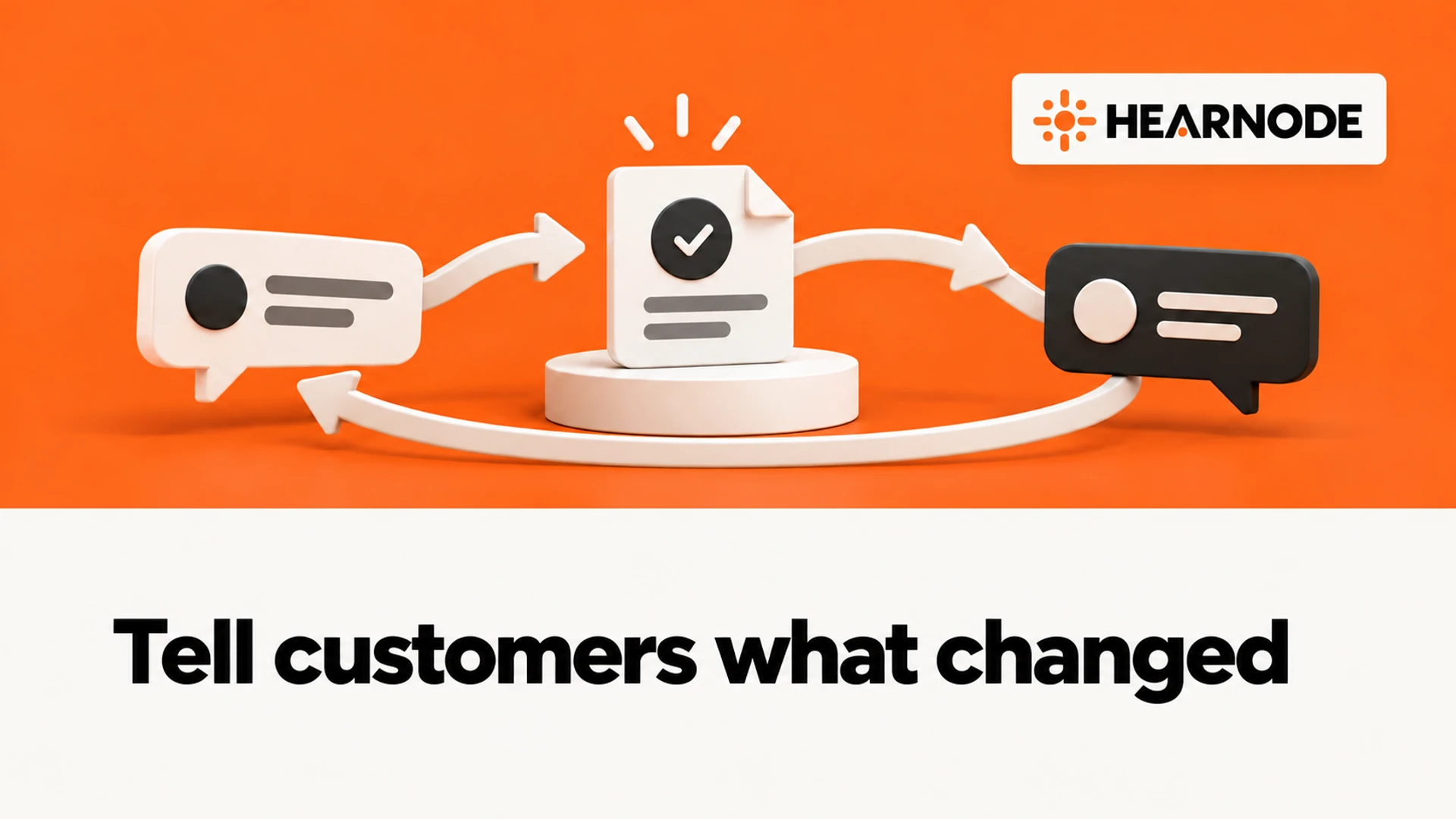
A feedback loop has four parts: a customer tells you something, you decide what to do, you act on it, and you tell them what happened. The loop is closed when that last step happens. It's open when it doesn't, which, for most requests at most companies, is the default.
Closing the loop doesn't mean building everything customers ask for. It means every piece of feedback eventually gets an answer, whether that answer is “it's live”, “it's planned”, “we're not going to do this, and here's why” or “we built something different that solves the same problem”.
Why closing the feedback loop matters
It can feel like a courtesy. It is more than that:
- It keeps feedback coming. Customers who see that asking leads somewhere ask again, and they explain more carefully next time.
- It gets features used. The people who asked for a feature are its most likely early users. If they don't know it shipped, adoption starts slowly.
- It turns customers into advocates. Few things build goodwill faster than “you asked, we built it, thank you”.
- It gives you a second round of feedback. People who hear their request shipped often reply with exactly what's still missing.
- It's cheap. Compared with the cost of building the feature, a few messages are almost free.
Where most teams break the loop
The loop rarely breaks because someone decided not to reply. It breaks at handoffs:
- At intake. The request was taken on a call or in a ticket and never recorded with the customer’s name.
- At merging. Two versions of the same request were combined, and the people attached to one of them were lost.
- At planning. The roadmap item was created from scratch rather than linked to the requests behind it.
- At release. The release went out with notes for everyone, but nobody checked who specifically asked.
- At ownership. Everyone assumed someone else would tell the customer.
Each of these is a small process gap, and each is fixable. The first three are about keeping the connection between a request and the people behind it. The last two are about using that connection when it matters.
How to close the feedback loop in five steps
1. Record who asked, every time
The loop can only close if you know who to close it with. Every request, wherever it arrives, should be recorded with the customer attached. When feedback comes through support or sales, the colleague records it on the customer's behalf. Our guide to feature request management covers how to make this routine.
2. Link the release to the requests it answers
When something ships, link it to every request it addresses, not just the most popular one. This is the step that turns “we released a thing” into “we answered these specific people”. It also gives you a record you can look back on: which requests became which releases.
3. Tell the people who asked, personally
A general announcement is good. A message that says you asked for this is better. Send it to the people who requested, voted for or followed the request, and make sure each person gets it once even if they're in several groups. Keep it short: what's new, how to use it, and thanks. Our article on feature announcements has an example.
4. Be honest when it only partly matches
Sometimes you build something related but not quite what was asked. Say so. “This covers scheduled exports to email, but not to cloud storage yet, which some of you asked about.” Customers appreciate the precision, and it stops them from feeling misled when they try it.
5. Ask whether it worked
The loop isn't fully closed until you know the change actually solved the problem. A short follow-up, a few weeks after release, asking whether it helped, tells you whether to move on or keep going. This step is so often skipped that we wrote a separate guide to it: post-launch feedback is the step most teams skip.
Closing the loop when the answer is no, or not yet
Not every loop ends with a release. Many end with a decision not to build something, or to delay it. Those loops need closing too, and they're the ones teams avoid most. A clear answer, given reasonably soon, is far better than silence. “We've decided not to build this, because…” or “This won't happen before next year, and here's why” both close the loop. The customer may not like the answer, but they know they were heard.
If this is the part your team struggles with, our guide to saying no to customers has phrasing that keeps it short and respectful.
What to say in each situation
Most loop-closing messages fall into a handful of situations. Having a short default for each makes it much easier to send them consistently:
| Situation | What to say |
|---|---|
| It shipped as asked | What is new, how to use it, thanks for asking |
| It shipped, but only partly | What it covers, what it does not cover yet, and whether that part is planned |
| It is now planned | That it is on the roadmap, a rough timeframe if you have one, and that they will hear when it ships |
| It is delayed | The new estimate and a one-sentence reason |
| It will not be built | The decision, the reason, and any workaround |
| Something else solves it | What to use instead, with a link or short instructions |
None of these need to be long. Two or three sentences is usually right. What matters is that they're specific to the request and that they arrive when the status actually changes, not weeks later.
Closed feedback loop examples
Here is what a closed loop looks like across different sources of feedback:
- A feature request on your board: the request moves to Complete, linked to the release, and everyone following it gets a short note with a link to try it.
- A bug reported in support: when the fix ships, the support agent replies on the original ticket: “This is fixed now. Thanks for the clear steps to reproduce it.”
- A deal blocked by a missing feature: when it ships, the salesperson tells the prospect directly, ideally before they hear it anywhere else.
- A comment in a satisfaction survey: if the comment led to a change, a brief message to that customer explaining what changed. Few things surprise people more.
- A request you declined: the request moves to Closed with a public reply explaining why, and followers are notified.
Who owns closing the feedback loop
The answer that works best is: whoever changes the status. If a product manager moves a request to Planned, they make sure followers hear about it. If an engineer ships the fix, the release links to the request and the notification goes out as part of releasing. If you rely on a separate person to go back and tell everyone afterwards, it will slip whenever that person is busy.
This is easiest when telling people is built into the action itself, so changing a status or publishing a release naturally includes notifying the people attached to it. When it's a separate manual task, it competes with everything else on the list and usually loses.
Don’t forget the internal loop
Your own team gives feedback too. Support agents who flag a recurring problem, or salespeople who log the same objection for months, need the loop closed as much as customers do. If they never hear what happened to what they reported, they stop reporting. A short internal note when a release answers something they raised costs nothing and keeps your best source of feedback working.
Closing the feedback loop with Hearnode
Hearnode is designed around keeping the connection between a request and the people behind it intact from start to finish, so closing the loop is a step, not a project.
- Requests on feedback boards keep their voters and followers, including through merges, where each person is counted once and nobody is lost.
- Status changes notify the followers who asked to hear about them.
- In Changelog & Announcements, each release links to the requests and roadmap items it delivers.
- When you notify, you can choose the followers of the linked requests, and overlapping audiences are deduplicated so each person hears once.
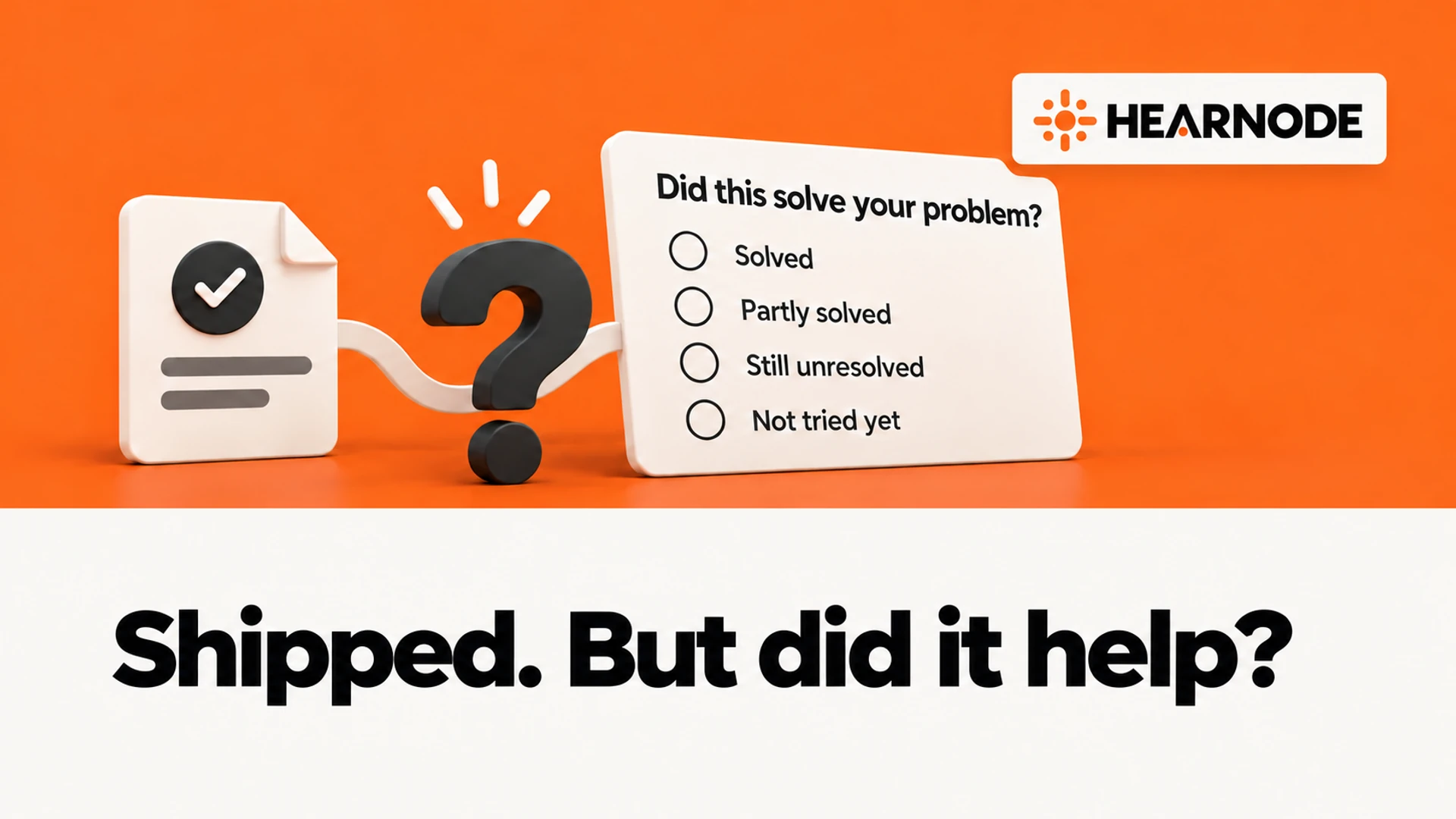
- Customer Outcomes then asks the people who followed or voted whether the change solved their problem: Solved, Partly solved, Still unresolved or Not tried yet.
A Partly solved or Still unresolved answer can become linked follow-up work, so the next loop starts where the last one ended. The announcements guide and the outcomes guide cover both steps.
Closing the feedback loop is a habit more than a campaign or a tool: finishing what the customer started when they took the time to tell you something. Teams that build that habit find, before long, that their customers become more patient, more specific and more willing to help. That's worth far more than the few minutes each loop takes.
Closing the feedback loop: FAQs
What does it mean to close the feedback loop?
It means telling customers what happened to their feedback: that it shipped, is planned, was declined or led to something different. A loop is closed when the person who gave the feedback hears the outcome.
Why is it important to close the feedback loop?
Customers who hear back keep giving feedback and explain it more carefully. Telling requesters that a feature shipped also drives early adoption, builds goodwill and often prompts useful follow-up feedback.
How do you close the feedback loop with customers?
Record who asked for each request, link releases to the requests they answer, notify the people who requested or followed them once, be honest about partial matches and follow up later to ask whether the change solved their problem.
What is an example of a closed feedback loop?
A customer requests scheduled reports on a feedback board. When the feature ships, the request is marked complete and linked to the release, the customer gets a short message explaining how to use it and, a few weeks later, a question asking whether it solved their problem.
How do you close the loop when you will not build a request?
Close the request with a short, honest explanation and notify the people following it. Offer a workaround if one exists and say what would make you reconsider. A clear no closes the loop; silence leaves it open.
Put this into practice with Hearnode
The features and guides behind this article.