Product Decisions
MCP for Product Managers: Giving AI Assistants Safe Access to Customer Feedback
Product managers want their AI assistant to read feedback, spot patterns and draft updates. An assistant with broad access can also reply to customers, change statuses or publish things. MCP makes the connection easy. Deciding what the connection is allowed to do is still your job.
Hearnode Team9 min read
In This Article
- What MCP is, in plain terms
- What MCP for product managers looks like day to day
- Reading is not the same as writing
- Five rules for giving an assistant access to customer feedback
- Why a person should approve what customers see
- A realistic week with an assistant connected
- Questions to ask before connecting an assistant
- Where MCP fits alongside AI features inside a product
- MCP for product managers in Hearnode
- Start small and widen access as trust builds
- MCP for product managers: common questions
A product manager opens their AI assistant on a Monday morning and types: “What did customers say about reporting last month?” A useful answer needs access to the feedback board. The next question is “Draft a reply to the three people who asked about scheduled exports.” Still reasonable. Then: “Go ahead and post those, and mark the requests as planned.” Now the assistant is doing things customers will see, under your company's name, in seconds.
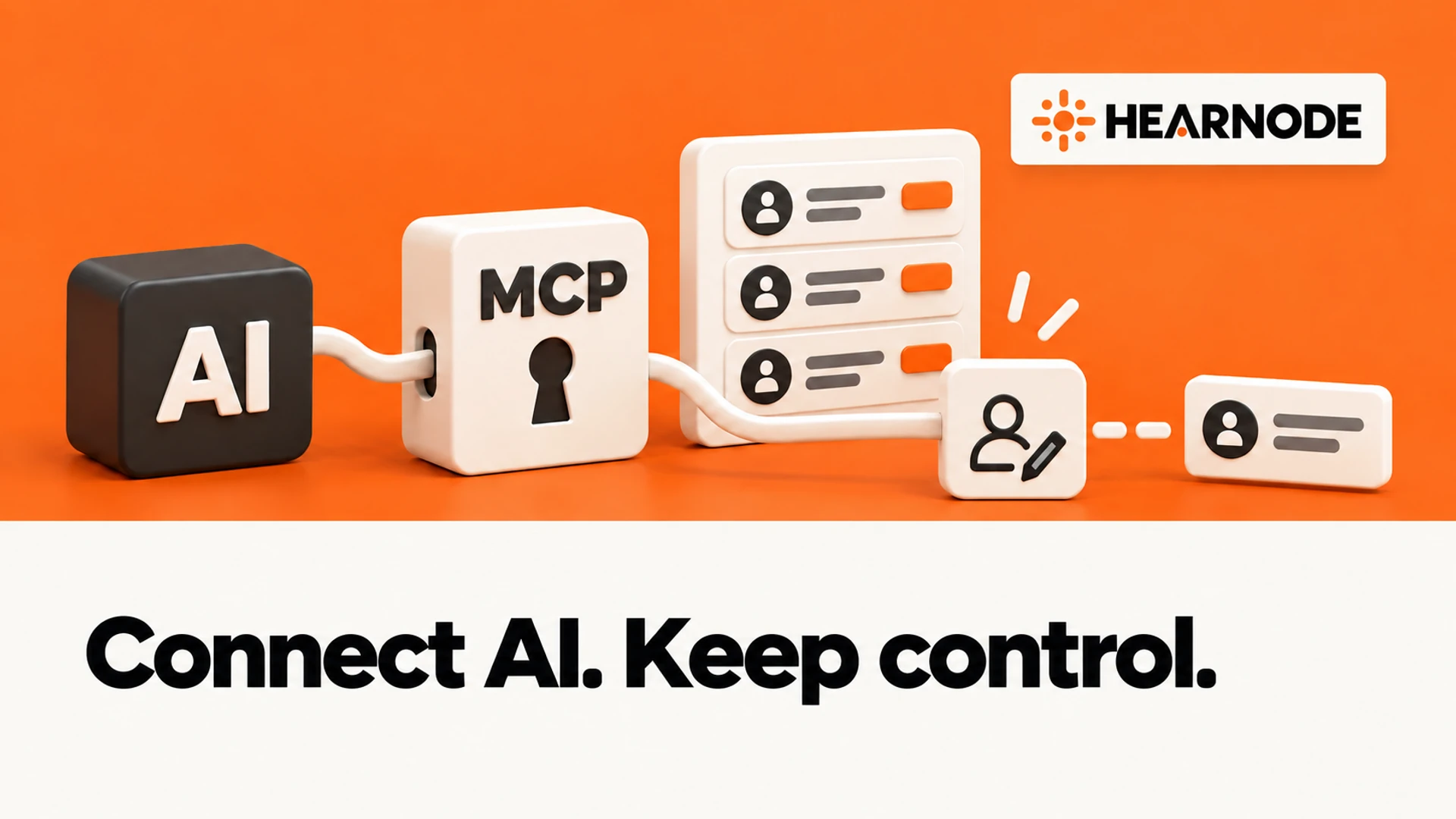
That progression is exactly what MCP for product managers makes possible, and exactly why it needs some thought. The technology removes the friction of connecting an assistant to your tools. It doesn't decide which of those three requests you'd actually want an assistant to carry out on its own. That part is a product decision, and it's worth making on purpose.
What MCP is, in plain terms
MCP stands for Model Context Protocol. It's an open standard, first published by Anthropic in late 2024, that gives AI assistants a common way to connect to other software. Instead of every tool building a custom integration for every assistant, a tool offers an MCP server, and any assistant that supports MCP can connect to it.
For a product manager, the practical meaning is simple: your assistant can read from and, if you allow it, write to the tools where your work lives. It can look up feedback, check the roadmap or draft an announcement, using the same permissions you'd expect a careful colleague to have. The key words there are if you allow it.
What MCP for product managers looks like day to day
Most of the value comes from reading and drafting, not from acting. Typical uses include:
- Summarising recent feedback on a topic before a planning meeting, with links back to the original requests.
- Finding related requests that might be duplicates, for a person to review and merge.
- Answering questions about the roadmap, such as which planned items are linked to requests from a particular account.
- Drafting release notes from the requests a release delivers, ready for someone to edit.
- Preparing replies to customers whose requests changed status, for a person to check and send.
- Writing internal notes on requests, such as a summary of a long discussion thread.
Every item ends with a person. The technology could go further; this is simply where the line between helpful and risky usually sits.
Reading is not the same as writing
The most useful way to think about assistant access is to sort actions by what happens if the assistant gets it wrong.
| Action | If the assistant gets it wrong | Sensible default |
|---|---|---|
| Read feedback, roadmap and announcements | A poor summary, which you can check | Allow |
| Draft an announcement or reply | A bad draft nobody has seen yet | Allow |
| Add an internal note | A confusing note your team can correct | Allow if useful |
| Merge two requests | Two different problems combined | Prepare, then a person approves |
| Change a public status | Customers told something untrue | Prepare, then a person approves |
| Reply publicly or notify customers | A wrong message sent under your name | Prepare, then a person approves |
| Change billing, permissions or delete data | Serious, possibly irreversible harm | Not available to an assistant |
The pattern is clear once it's laid out. Reading and drafting are cheap to get wrong, because a person sees the output before anyone else does. Anything that reaches customers, changes shared records or can't easily be undone deserves a human decision.
Five rules for giving an assistant access to customer feedback
- Scope access to one product or brand at a time. An assistant helping with one product has no reason to see feedback from another.
- Start with read access only. Add write access for specific, low-risk actions, such as drafts and internal notes, once you've seen how it behaves.
- Never let a connection exceed the permissions of the person who set it up. If you can't see private boards, neither should your assistant.
- Require approval for anything customers will see, and make sure the approver sees exactly what will happen, not a summary of it.
- Review connections regularly and revoke the ones you don't use. Old connections are an easy thing to forget and a needless risk.
These rules echo how you'd onboard a new team member. You wouldn't give someone on their first day the ability to email every customer. You'd let them read, draft and learn, and widen their access as trust builds.
Why a person should approve what customers see
AI assistants are good at producing plausible text quickly. That's useful for drafts and dangerous for anything final, because plausible and correct aren't the same. A reply that confidently tells a customer their request is planned, when it isn't, does real damage. So does a status change applied to the wrong request after a misread merge.
The answer is a review step, but not a rubber stamp. A review that approves everything by default is theatre. IntensePath's article on review steps that actually catch errors explains how to design one that works: show the reviewer the exact change, make rejection as easy as approval, and check the kinds of mistakes the system tends to make.
A realistic week with an assistant connected
To make this concrete, here's how a product manager might use an assistant connected through MCP over a normal week, with sensible limits in place.
Monday: a feedback summary
The assistant reads last week's new requests and comments and produces a short summary grouped by topic, with links to each original. The product manager checks two or three of the links to make sure the summary is faithful, then uses it to set the agenda for the weekly triage. Nothing has changed anywhere. The assistant only read.
Wednesday: possible duplicates
The assistant suggests five pairs of requests that look like duplicates. The product manager reviews them, agrees with three and rejects two that describe different problems in similar words. The three merges are approved one by one, each showing exactly which requests combine and who moves across. This is the kind of task where an assistant saves real time, and where a person still catches the mistakes.
Friday: a release note and replies
A feature shipped. The assistant drafts a release note from the linked requests and prepares short replies for the customers who followed them. The product manager edits the release note for tone, using the approach in how to write release notes people actually read, and approves the announcement and the notification separately. The customers who asked hear about it the same day, which is exactly what closing the feedback loop is about.
Over the week, the assistant handled the slow parts: reading, grouping, drafting. Every decision that reached customers or changed shared records went past a person. That balance is what makes the setup sustainable.
Questions to ask before connecting an assistant
Whatever tools you use, these questions help you judge whether an MCP connection is safe to switch on:
- Which product, brand or workspace can the connection see?
- Which actions are read-only, and which can change something?
- Is there anything an assistant can publish or send without a person approving it?
- Can you see a list of active connections, their permissions and when each was last used?
- Can you revoke a connection instantly?
- Do assistant actions use paid AI credits, or only explicit AI jobs?
If the answers are vague, treat the connection as broader than it looks.
Where MCP fits alongside AI features inside a product
It's worth separating two things that often get mixed together. Built-in AI features are tasks your feedback tool runs itself, such as summarising a thread or suggesting duplicates. MCP is a door that lets your assistant, the one you already use, work with the tool. Both are useful. Built-in features are usually narrower and more predictable. MCP is more flexible, because your assistant can combine information from several places, but that flexibility is exactly why scoping and approval matter more. We look at the built-in side in AI customer feedback analysis.
MCP for product managers in Hearnode
Hearnode treats read and write MCP access as a core feature, built around the rules above. You can connect your own assistant and decide, per Brand, what it may do.
- Read scopes cover feedback, the roadmap and announcements. Optional write scopes cover lower-risk actions such as drafts and internal notes.
- A connection never exceeds the permissions of the person who authorized it, or the rights attached to the content.
- Actions that affect customers are prepared by the assistant and approved by a person who sees exactly what will happen.
- Nothing is published automatically by AI or an assistant. Billing, deletion and permission changes are not available through MCP at all.
- You can see every connection, its scopes and when it was last used, and revoke it at any time.
- Routine MCP reads and writes don't use AI credits. Only explicit AI jobs do, however they're started.
Compatibility depends on each assistant's MCP support. The API and MCP documentation lists setup steps and the clients we've tested. The AI & MCP overview explains how this sits next to Hearnode's own AI suggestions.
Start small and widen access as trust builds
If you're trying MCP for the first time, begin with one Brand, read access and a single recurring task, such as a weekly summary of new feedback. Check the summaries against the source a few times. When they're reliable, add drafting. Approval-gated actions come later, once you know how the assistant handles your particular data.
The aim is to hand off the parts of product management that are slow and mechanical, like searching, summarising and first drafts, so you have more time for the parts that need judgement. Kept within sensible limits, an assistant connected through MCP is a useful colleague. Given the keys to everything on day one, it's a risk you don't need.
MCP for product managers: common questions
What is MCP?
MCP, the Model Context Protocol, is an open standard that lets AI assistants connect to other software in a consistent way. A tool that offers an MCP server can be used by any assistant that supports the protocol, within the permissions the connection allows.
What is MCP for product managers used for?
Common uses include summarising customer feedback, finding possible duplicate requests, answering questions about the roadmap, drafting release notes and preparing replies. Anything customers will see should still be approved by a person.
Is it safe to give an AI assistant access to customer feedback?
It can be, with limits. Scope access to one product or brand, start with read-only access, make sure the connection cannot exceed your own permissions, require approval for customer-facing actions and revoke connections you no longer use.
What is the difference between MCP and an API?
An API is a general way for software to talk to software, usually used by developers to build integrations. MCP is a protocol designed specifically for AI assistants, so an assistant can discover and use a tool’s capabilities without a custom integration for each assistant.
Should an AI assistant be allowed to reply to customers directly?
It is safer to let the assistant draft replies and have a person approve them. Plausible text is not always correct, and a wrong reply sent under your company’s name can be hard to undo.
Put this into practice with Hearnode
The features and guides behind this article.