Customer Research
How Often Can You Survey Customers Before Survey Fatigue Sets In?
Response rates drop. Answers get shorter. Comments turn into a single word. The usual cause isn't the survey itself, but how often and when customers are asked. Survey fatigue is avoidable, and fixing it usually means asking less, better.
Hearnode Team9 min read

In This Article
- What survey fatigue is
- Signs of survey fatigue
- Why survey fatigue happens
- How often can you survey customers?
- How to reduce survey fatigue
- When a survey is not the right tool at all
- Survey fatigue in business products
- Survey fatigue and in-app surveys
- Avoiding survey fatigue with Hearnode
- Survey fatigue FAQs
Picture a customer's month. The support team sends a satisfaction survey after each ticket. Product runs an NPS survey. Marketing sends a short questionnaire about a webinar. Someone in success emails a “quick five-minute survey” about onboarding. A pop-up inside the product asks for a rating. Each team thinks they asked once. The customer was asked five times, and by the fourth, they've stopped reading.
That's survey fatigue: the point where customers are asked so often, or at such length, that they stop answering, or answer without thinking. It creeps up slowly. Nobody decides to over-survey. It happens because nobody is looking at the total from the customer's side. The good news is that it's one of the easier research problems to fix, once you can see it.
What survey fatigue is
Survey fatigue shows up in two forms, and they need slightly different fixes:
- Fatigue before the survey: people decline to start. They've been asked too often, or they don't believe answering changes anything. Response rates fall.
- Fatigue during the survey: people start but lose interest. Later questions get skipped, rushed or answered with the same option every time. Quality falls.
The first is mostly about frequency and trust. The second is mostly about length and relevance. Most teams suffer from a bit of both, and the two feed each other: long surveys make people less willing to start the next one.
Signs of survey fatigue
You don't need a research team to spot it. Look for these patterns over a few months:
- Falling response rates on the same survey sent to similar customers.
- Shorter open answers, sliding from sentences to a few words to nothing.
- Straight-lining: the same score for every question in a multi-question survey.
- More dismissals of in-app surveys, especially quick closes within a second or two.
- Annoyed replies, such as “didn’t I just answer this?”
Why survey fatigue happens
Nobody sees the total
Each team owns its own survey and judges its frequency in isolation. Support thinks one survey per ticket is modest. Product thinks one NPS survey per quarter is modest. Together, they're not. This is the most common cause by far, and it's an organisational problem rather than a survey design problem.
Answers never seem to lead anywhere
If customers answer surveys and never see anything change, they learn that their time isn't well spent. That's a deeper kind of fatigue than frequency alone, and it takes longer to repair.
Surveys are too long
Every extra question is a small cost. A survey that starts with a single rating and grows to fifteen questions “while we have them” trades a high response rate for a lot of half-hearted answers.
The timing is wrong
A survey that appears in the middle of a task, during an incident or straight after signing up asks people for an opinion when they're busy or don't have one yet. They dismiss it, and next time they dismiss it faster.
How often can you survey customers?
There's no single right number, because it depends on how much customers use your product and how they relate to you. But a few principles hold up well:
- Count per customer, not per survey. What matters is how many requests one person receives across all teams.
- Ask relationship questions rarely. Overall measures, such as NPS, change slowly. Every few months per customer is plenty.
- Ask moment questions only after real moments. A satisfaction question after a resolved support conversation is reasonable; after every page view, it isn't.
- Leave space after an answer. Someone who just completed a survey shouldn't see another for a while.
- Leave more space after a dismissal. A closed survey is a clear signal about timing. Days, not hours.
| Survey type | Sensible starting point |
|---|---|
| Relationship survey (such as NPS) | Each customer every few months |
| Satisfaction after a specific experience | Only after that experience, not more than once a week per person |
| Feature poll or quick poll | Occasionally, to the segment it concerns |
| Long research questionnaire | Rarely, to a small invited group |
| After any dismissal | Wait at least several days before showing it again |
Treat these as starting points rather than rules. If response rates and answer quality hold up, you're probably fine. If they slide, ask less. It also helps to look at the customers who answer most often. If the same small group responds to everything, your results increasingly reflect the views of your most patient customers, and the quieter majority drops out of the picture without anyone noticing.
How to reduce survey fatigue
Put one person in charge of the survey calendar
Since the biggest cause is that nobody sees the total, the biggest fix is giving someone that view. One person, or one shared calendar, that every team checks before sending a survey. It sounds bureaucratic, but it takes minutes, and it's the only reliable way to stop five teams from asking the same customer in the same week.
Ask fewer people, chosen better
You rarely need everyone's opinion. A survey about a reporting feature should go to people who use reports. A question about onboarding should go to people who onboarded recently. Targeting reduces the total number of requests, and it makes each survey more relevant to the person who sees it, which improves the answers.
Keep surveys short
One question and an optional explanation is the default worth defending. If you need to learn more, run a separate, focused study with a small invited group who have agreed to spend the time. Long questionnaires sent to everyone produce lots of data and very little insight.
Ask once per campaign
Once someone has answered a survey, don't show it to them again. That sounds obvious, but in-app surveys without proper tracking often reappear on the next login. Nothing says we weren't listening quite like being asked the same question twice.
Show people their answers mattered
This is the long-term cure. When a survey comment leads to a change, say so: in release notes, in a short message to the people who raised it, or in a summary of what you heard. Customers who see their answers make a difference keep answering. Our guide to closing the feedback loop covers how.
When a survey is not the right tool at all
Some questions don't need a survey. If you want to know whether people use a feature, product usage tells you without asking anyone. If you want to know why a group of customers struggles with something, a handful of short conversations will teach you more than a questionnaire sent to thousands. If you want to know what customers wish your product did, an open feedback board collects that continuously, from the people who care enough to say it.
Before sending a survey, ask whether the answer already exists somewhere: in support conversations, in feature requests, in previous survey comments. Often it does, and reading it costs your customers nothing. Every survey you don't need to send makes the ones you do send more likely to be answered.
Survey fatigue in business products
If you sell to companies, fatigue can hit a single account from many directions at once. Ten users at one customer each receive the same NPS survey, the administrator receives an onboarding questionnaire, and the budget holder gets a renewal survey. Individually, none of them is over-surveyed. As an organisation, the customer is.
It's worth thinking about account-level limits as well as personal ones, particularly for small customers where the same few people wear every hat. And when you need an account's view on something specific, it's often better to ask the one or two people best placed to answer than to send a survey to everyone with a login.
Survey fatigue and in-app surveys
In-app surveys are especially prone to fatigue because they're cheap to show and easy to trigger. A few safeguards make a big difference:
- Never show more than one prompt per session, whether it's a survey or a feedback request.
- Respect a cooldown after dismissal, measured in days.
- Don't interrupt tasks. Show surveys after something is finished, not during it.
- Skip brand-new users. Give people time to form a view before asking for it.
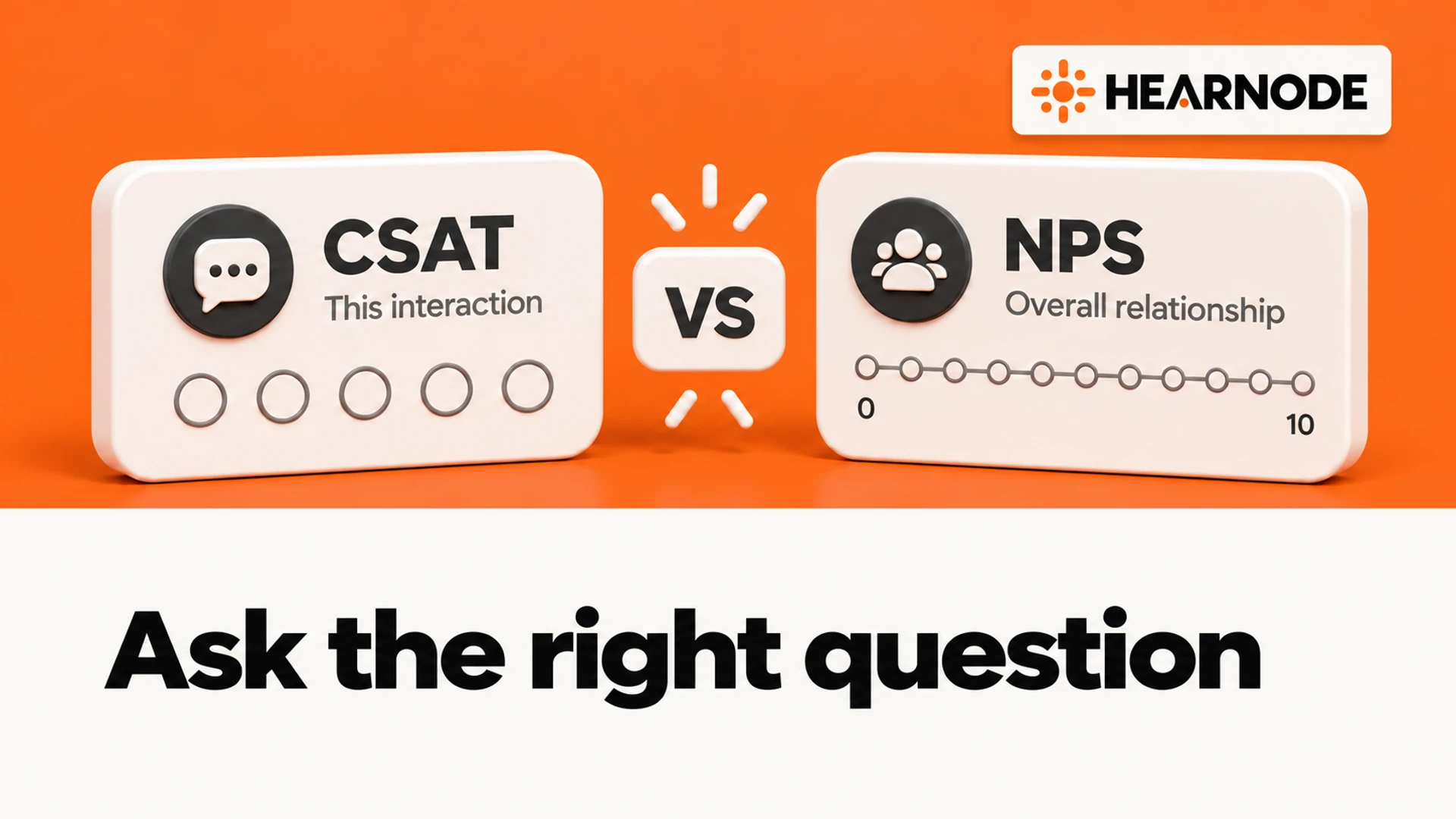
If you also collect open feedback in your product, the same principles apply, since a feedback prompt interrupts just as much as a survey does, and the two add up from the customer's point of view. Our article on in-app feedback covers placement and timing for both. If you're deciding which survey to run in the first place, CSAT vs NPS can help you pick one instead of running both.
Avoiding survey fatigue with Hearnode
Hearnode's Surveys are built with these safeguards switched on by default, so avoiding fatigue doesn't depend on everyone remembering the rules.
- Surveys are shown in a widget at a moment you choose, to a segment you choose, so you can target the people a question actually concerns.
- Automatic display respects a seven-day cooldown after someone dismisses a survey.
- Customers answer once per campaign and aren't asked again after completing it. They can correct an answer within 24 hours while the survey is open.
- Explanations after a score are optional by default, which keeps the survey to a single required question.
- Results show how many valid responses they're based on, so a falling response count is visible rather than hidden behind a percentage.
The surveys guide explains targeting and campaigns in detail.
Survey fatigue is, in the end, a question of respect for your customers' time. Ask when it makes sense, ask briefly, ask the people it concerns and show that the answers mattered. Do that, and you'll find customers are surprisingly willing to keep telling you what they think.
Survey fatigue FAQs
What is survey fatigue?
Survey fatigue is when people are asked to complete surveys so often, or surveys are so long, that they stop responding or answer without much thought. It shows up as falling response rates and shorter, lower-quality answers.
How often is too often to survey customers?
There is no universal number, but count requests per customer across all teams. Relationship surveys every few months per customer and moment-based surveys only after real experiences are sensible starting points. If response rates and answer quality fall, ask less.
How do you reduce survey fatigue?
Coordinate all surveys through one calendar, target only the people a question concerns, keep surveys to one question plus an optional explanation, never ask the same person twice per campaign and show customers that their answers led to changes.
Does survey length affect response rates?
Yes. Every extra question reduces the number of people who finish and lowers the quality of later answers. Short surveys with one main question usually produce more responses and more thoughtful explanations.
Does survey fatigue affect the quality of answers?
It does. Fatigued respondents skip questions, give the same score to everything or write one-word explanations. That can be more damaging than a lower response rate, because the answers look like data but say very little.
Put this into practice with Hearnode
The features and guides behind this article.