Customer Proof
Where to Put Testimonials on Your Website, Page by Page
Testimonials often get collected with care and then parked on a testimonials page that few visitors open. They work far better spread across your site, each one placed next to the question a visitor is asking on that page. Here's where to put testimonials on your website, page by page.
Hearnode Team9 min read
In This Article
- Why testimonials pages get ignored
- The rule: match each testimonial to the doubt on that page
- Where to put testimonials on your website, page by page
- How many testimonials to show
- Attribution that makes testimonials credible
- Choosing a format: single quote, grid or carousel
- Common testimonial placement mistakes
- Testimonials beyond your website
- Keep testimonials current
- Showing testimonials on your website with Hearnode
- Where to put testimonials: FAQs
Most websites have a testimonials page. It's usually linked from the footer, it usually holds a long list of quotes, and very few visitors ever open it. The people who do are often already convinced. Meanwhile, the visitor hesitating on your pricing page, wondering whether the product is worth it, sees nothing from anyone who has paid for it.
Testimonials are evidence, and evidence works best right where a doubt arises. Working out where to put testimonials on your website is really a question about your visitors: what are they unsure about on each page, and which customer's words would answer that?
Why testimonials pages get ignored
A dedicated testimonials page asks visitors to go looking for reassurance. Most won't. They form their impression from the pages they're already on: your homepage, a feature page they arrived at from a search, your pricing. If testimonials only live on their own page, they're absent from every page where a decision is actually being made.
There's also a credibility problem. A page containing nothing but praise, one quote after another, reads like a page of advertising. The same quotes, placed individually beside the claims they support, read as evidence.
The rule: match each testimonial to the doubt on that page
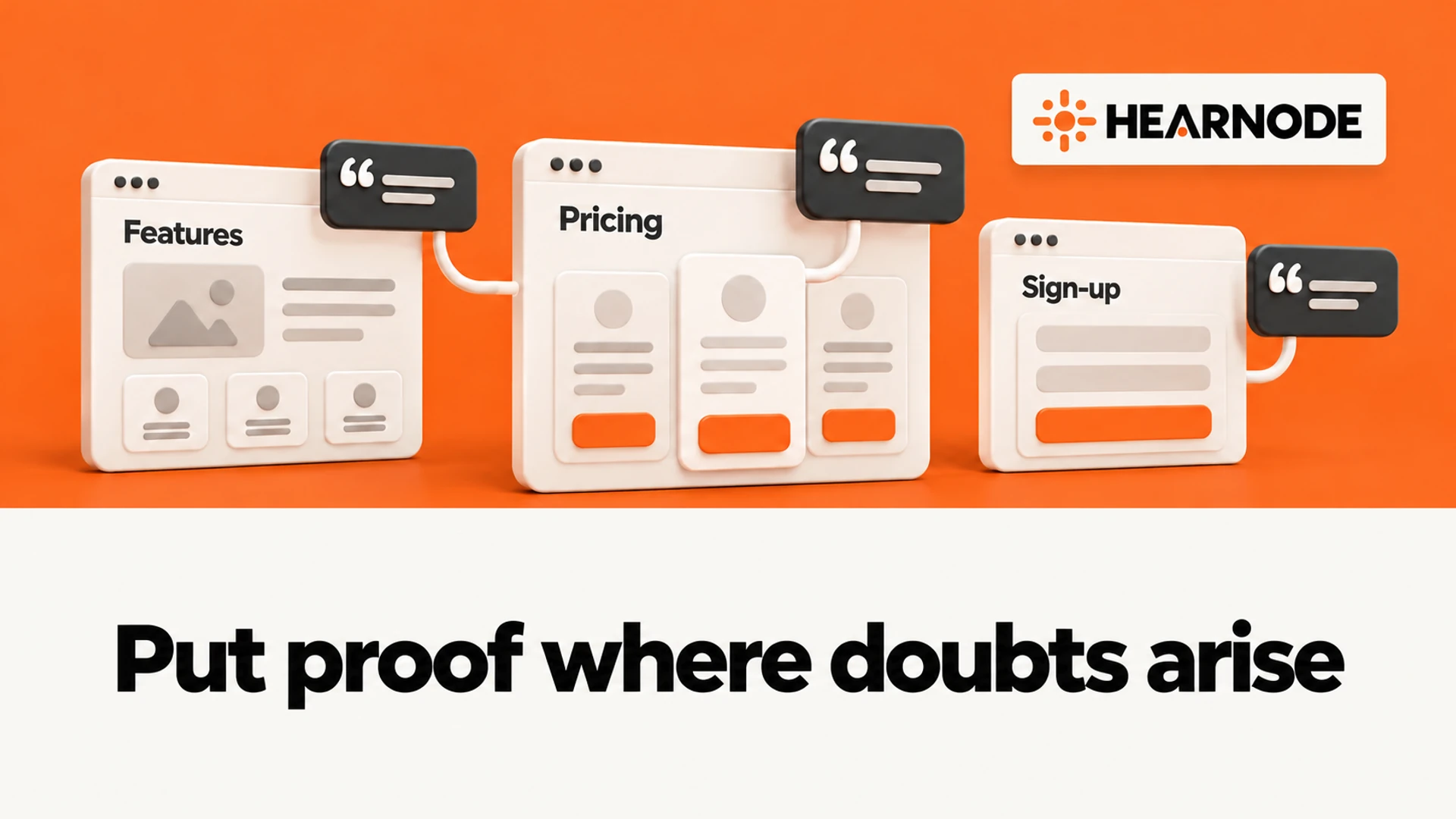
Every page on your site has a main question in the visitor's mind. The homepage asks is this for me? A feature page asks does this actually work? The pricing page asks is it worth the money? A sign-up form asks will I regret this? A testimonial that answers the question on that page is worth far more than a general one that's simply positive.
That means you need testimonials that are specific enough to answer specific questions, which is why it pays to ask customers about particular results rather than general impressions. Our guide on how to ask for a testimonial covers questions that produce usable answers.
Where to put testimonials on your website, page by page
| Page | What the visitor is wondering | Testimonial that helps |
|---|---|---|
| Homepage | Is this for someone like me? | A short quote from a recognisable type of customer |
| Feature page | Does this feature actually work? | A quote about that specific feature or result |
| Pricing | Is it worth paying for? | A quote about value, time saved or return |
| Sign-up or checkout | Will I regret this? | A quote about getting started easily |
| Campaign landing page | Does this solve my exact problem? | A quote from the audience the campaign targets |
| Inside the product | Should I try this feature or upgrade? | A quote from someone who did |
Homepage
One or two short testimonials, high enough on the page to be seen, from customers who represent your main audience. The goal isn't to prove everything; it's to tell a new visitor that people like them use this and are glad they do. Prooflin's homepage audit guide is a useful check here: it frames the homepage around whether a stranger can quickly tell what you offer, why to trust you and what to do next, and testimonials are part of that why to trust you.
Feature pages
This is where testimonials are most underused. A quote about faster reporting belongs beside your reporting feature, not on the homepage. Feature pages often attract visitors from search who are evaluating one capability, and a specific quote about that capability is exactly what they need.
Pricing page
Visitors on your pricing page are weighing cost against value. Testimonials that talk about value, such as time saved, mistakes avoided or work made possible, help them justify the decision, to themselves and often to someone else who has to approve it.
Sign-up and checkout
A single short quote near the form can ease last-moment hesitation. Keep it small and focused on getting started. This isn't the place for a long story, and nothing should distract from completing the form.
Inside your product
Testimonials can work inside your product too, for example in a prompt suggesting a feature someone hasn't tried, or on an upgrade screen. A quote from a customer who uses that feature is more persuasive than a description of it.
The testimonials page itself
Keep it, but think of it as a library rather than the main event, a place for visitors who want to dig deeper. It's useful for visitors who want more evidence, for sales teams sharing a link, and as a home for longer testimonials. Organise it by customer type or use case, so visitors can find people like themselves quickly.
How many testimonials to show
Fewer than you might think. On most pages, one to three relevant testimonials do more than ten generic ones. Each extra quote dilutes attention and makes the section look padded. If you have many good testimonials, rotate which ones appear on which pages rather than stacking them all in one place.
Quality beats quantity. One specific quote from a credible person in a relevant role will outperform a dozen variations of “Great product, highly recommend!” If your current testimonials are mostly of the generic kind, that's a sign to collect a few new ones with more specific questions, rather than to show more of what you have.
Attribution that makes testimonials credible
Visitors look for signs that a testimonial is real. The more of these you can include, with the customer’s permission, the better:
- A real name, full or first name with initial.
- A role, which helps visitors judge whether the person is like them.
- A company or type of company, if the customer agrees.
- A photo, only one the customer provided or approved.
- A specific detail in the quote itself, which is often the most convincing element of all.
Never add attribution the customer didn't agree to, and remember that agreeing to be named with their company is not the same as agreeing to have the company's logo shown. Our article on testimonial consent explains why these are separate permissions.
Choosing a format: single quote, grid or carousel
- Single quote: best on feature pages, pricing and sign-up, where one targeted testimonial does the job.
- Grid: good for a testimonials page or a homepage section, where visitors can scan several at once.
- Carousel: saves space, but use it carefully. Carousels that advance automatically are hard to read, frustrating for people who read slowly and a problem for many assistive technologies. If you use one, let visitors move through it themselves.
Whatever the format, make testimonials readable on a phone. Long quotes in small text on a narrow screen rarely get read. Shorter excerpts, taken from the customer's own words with the meaning intact, work better.
Common testimonial placement mistakes
- Putting them below the fold only. A testimonial section at the very bottom of a long page is seen by the visitors least likely to need it.
- Using the same three quotes everywhere. Visitors who browse several pages notice, and the repetition makes your evidence look thin.
- Mismatching quote and page. A testimonial about great support on a feature page doesn't answer the question being asked there.
- Separating the quote from the person. A quote with no name or role nearby looks anonymous, and anonymous praise persuades almost nobody.
- Letting design swallow the words. Decorative quote marks, tiny italic text and low contrast make testimonials easy to admire and hard to read.
Testimonials beyond your website
The same placement logic applies outside your site. In sales emails, a single quote from a customer in the prospect's industry often does more than a paragraph of claims. In proposals, a testimonial next to the section on implementation answers the worry about getting started. In onboarding emails, a quote from a customer who succeeded with a particular feature can encourage new users to try it.
Just make sure the customer's permission covers each of these uses. Agreeing to appear on your website isn't automatically agreeing to appear in sales materials or advertising, which is why it's worth asking about uses specifically when you first collect a testimonial.
Keep testimonials current
Testimonials age. A quote praising a feature you've since redesigned, or from a customer who has since left, undermines your credibility. Review your testimonials at least once a year:
- Remove quotes that refer to features or screens that no longer exist.
- Check that customers are still customers, and still comfortable being featured.
- Act promptly on any request to withdraw a testimonial, everywhere it appears.
- Replace older quotes with newer ones that reflect the product as it is today.
If you're also deciding how testimonials fit with independent reviews on other sites, testimonials vs reviews covers how the two work together.
Showing testimonials on your website with Hearnode
Hearnode's Testimonials module publishes permissioned testimonials wherever you need them, and keeps the permission checks attached.
- Show published testimonials in a hosted gallery or embed them with a widget on any page of your site or in your product.
- Choose a grid, a carousel that does not auto-advance or a single quote, to suit each placement.
- A testimonial is shown only when verification, permission and review checks have all passed, and only with the attribution the customer chose.
- Display excerpts come from the original text and keep its meaning; the original is always kept.
- When a customer withdraws, new managed displays stop after verification, so you don’t have to hunt through pages to remove them.
- Widgets follow your Brand appearance, so testimonials look native to your site.
The testimonials guide covers publishing, and the widgets guide covers installing a display on your site.
Testimonials aren't decoration. They're answers to questions your visitors are already asking. Put each one where its question comes up, keep them honest and current, and they'll do far more for your website than a page of praise ever could.
Where to put testimonials: FAQs
Where should testimonials go on a website?
Next to the question a visitor has on each page: on the homepage to show the product suits people like them, on feature pages beside the related feature, on pricing to support value, near sign-up to ease hesitation, and in a testimonials page as a library.
Where to put testimonials on your website if you only have a few?
Start with the pages closest to a decision: your pricing page and the feature pages your best testimonials talk about. Add one to the homepage once you have a quote from a customer who represents your main audience. A testimonials page can wait until you have more.
Should I have a separate testimonials page?
It is useful as a library for visitors who want more evidence and for sharing in sales, but it should not be the only place testimonials appear. Most visitors never open it, so place relevant testimonials on the pages where decisions happen.
How many testimonials should I show on a page?
Usually one to three relevant testimonials per page or section. A few specific, credible quotes work better than many generic ones, which dilute attention and look padded.
Do testimonials need photos and full names?
They are more credible with a real name, role and, where agreed, a photo, but only use details the customer has given permission for. A first name and role with a specific quote can still be very persuasive.
Put this into practice with Hearnode
The features and guides behind this article.