Product Decisions
Feature Creep Rarely Starts With a Bad Idea
Nobody sets out to build a bloated product. Feature creep happens one sensible yes at a time, each one easy to defend on its own. The fix isn't saying no to everything. It's counting the cost that arrives after launch, and checking whether earlier additions actually helped.
Hearnode Team9 min read
In This Article
- How feature creep actually happens
- Feature creep vs scope creep
- Why customers ask for more options
- The costs that arrive after launch
- Signs of feature creep in your product
- How to prevent feature creep without becoming the team that says no to everything
- A short test before you add a setting
- Feature creep examples you will recognise
- Where Hearnode helps
- Feature creep FAQs
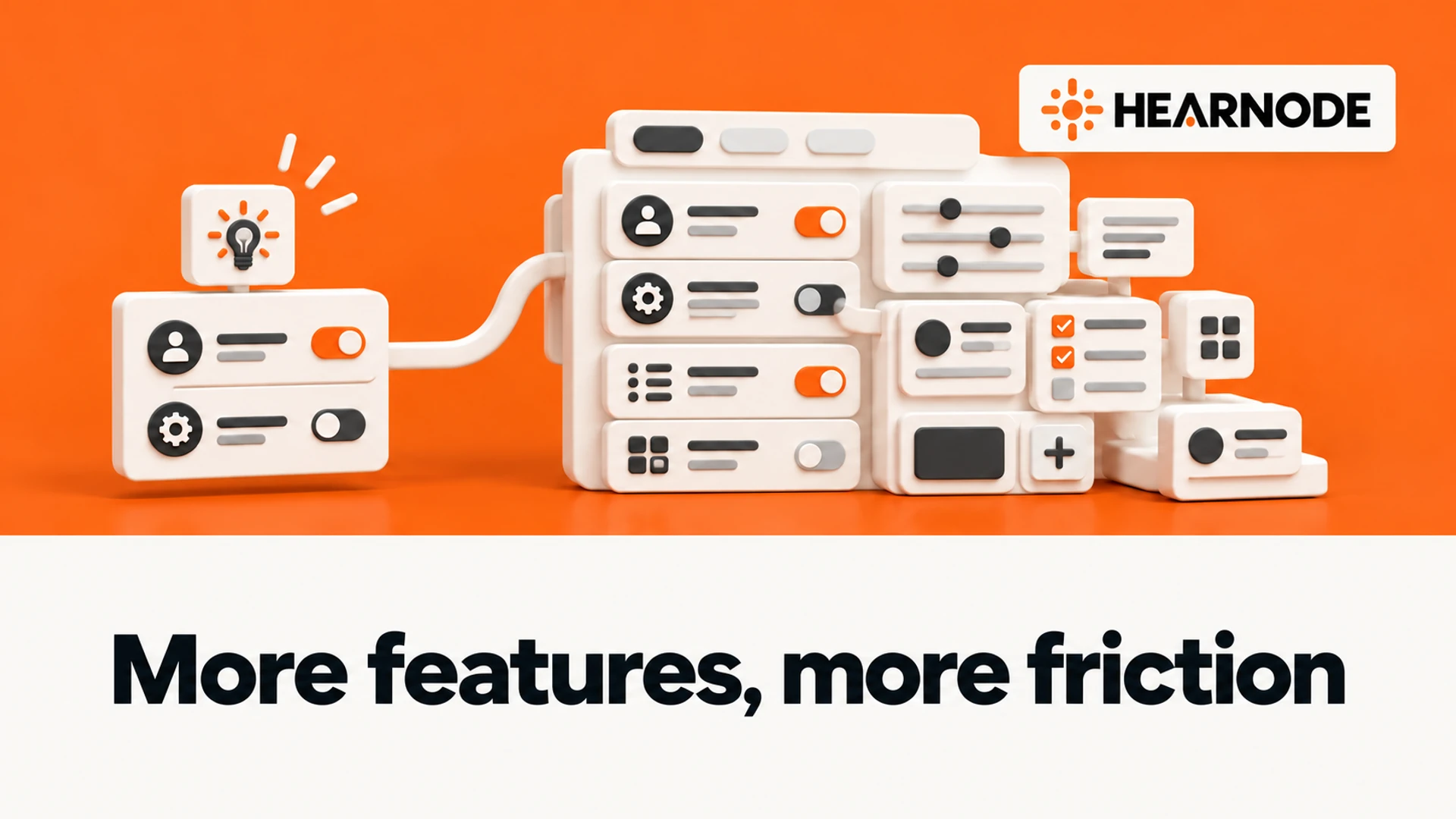
Look at the settings page of almost any product that's a few years old. There's a toggle for a behaviour one large customer wanted. A dropdown with seven options, four of which almost nobody picks. A section called “Advanced” that new users are afraid to open. Each of those was added for a reason, often a good one. Together they make the product harder to learn, harder to support and harder to change.
That's feature creep. It's usually described as a discipline problem, as if the team just couldn't say no. In practice it's more of an accounting problem. The benefit of each addition is visible the day it ships. The cost shows up later, spread thinly across support, onboarding, testing and design, where nobody adds it up.
How feature creep actually happens
Feature creep doesn't come from one bad decision. It follows a pattern that feels reasonable at every step:
- A customer asks for an option that would fit their workflow.
- It's small, so it gets built quickly, often as a setting so it doesn't affect anyone else.
- Another customer asks for a slightly different version. Another setting.
- Over time, the defaults stop working for new customers, because the product now assumes knowledge of all the options.
- A redesign is proposed to simplify things, and it turns into a large project because every option has someone depending on it.
Settings are a particularly common route, because they feel free. “Just make it optional” is the most expensive sentence in product development, because optional features still need to be built, tested, documented and explained, for everyone.
That's why feature creep is so hard to argue against in the moment. On the day someone proposes a small addition, the benefit is concrete: a named customer, a clear use case, a quick build. The cost is abstract and spread across the future. Without some way to bring that future cost into the conversation, the small addition wins nearly every time.
Feature creep vs scope creep
The two terms get used interchangeably, but they describe different things. Scope creep happens inside a project: a release grows beyond what was planned, usually delaying it. Feature creep happens across a product's life: the product accumulates capabilities until its core purpose is buried. You can have one without the other. A team can ship every project on time and still end up with a bloated product.
Why customers ask for more options
It helps to understand where the pressure comes from, because it's rarely unreasonable. Customers describe the product they wish they had in the language of features, since that's the only language they have for it. A team lead who struggles to get weekly numbers out of your reports will ask for “a custom report builder”, because that's the biggest, safest answer they can think of.
Options also feel safe to the people asking. “Just add a setting, then nobody else is affected” sounds considerate. And larger customers ask more often and more forcefully, simply because they have more people using the product and more at stake. None of this is bad behaviour. It's just that if you take every request at face value, you'll build a product shaped like a pile of individual workflows.
The costs that arrive after launch
If you want to slow feature creep, start by making the hidden costs visible. Every shipped feature keeps costing something:
| Cost | What it looks like day to day |
|---|---|
| Support | Questions about how it works, and bugs in rarely used paths |
| Onboarding | More to explain, more decisions for new users to make |
| Testing | Every change has more combinations to check |
| Design | Each new feature has to fit around everything already there |
| Documentation | Pages to write, and to keep accurate as things change |
| Attention | Time spent maintaining old things is time not spent on new ones |
IntensePath's article on the standing cost of every feature goes into how to put a rough price on this and how to retire a feature without losing trust. The short version: if you only count the effort to build, every feature looks cheaper than it is.
Signs of feature creep in your product
Feature creep is easier to see from the outside. A few questions that tend to reveal it:
- Can a new user explain what your product is for after ten minutes? If not, the core may be buried.
- How many settings have you added in the last year, and how many have you removed? If the second number is zero, you're only ever adding.
- Which features have fewer than a handful of regular users? Each one is a cost without much benefit.
- Do support questions cluster around options rather than core tasks? That's complexity talking.
- Does every redesign stall because “someone uses that”?
How to prevent feature creep without becoming the team that says no to everything
You don't need to stop shipping. You need to make each yes a little more deliberate. A few habits make a big difference.
Put ongoing cost into your prioritization
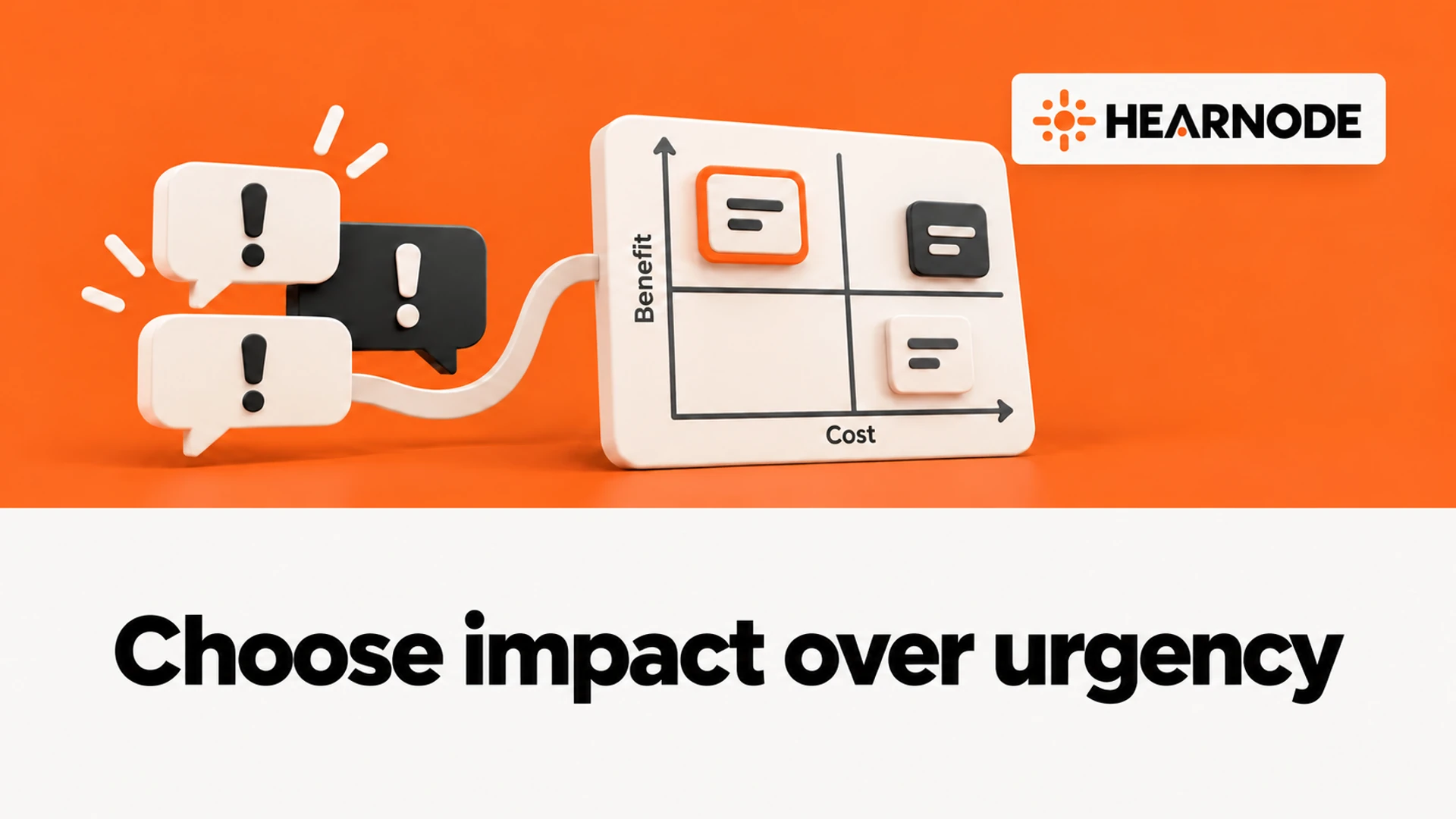
If your scoring only counts effort to build, add a cost factor for maintenance or complexity. It changes conversations immediately, because the cheap-to-build, expensive-to-keep requests stop looking like quick wins. Our guide on how to prioritize feature requests explains how to weigh benefit against cost.
Solve the problem, not the request
Three customers asking for three different settings may share one underlying problem that a better default would solve for all of them. Ask what they were trying to do before you add an option.
Check whether past additions solved anything
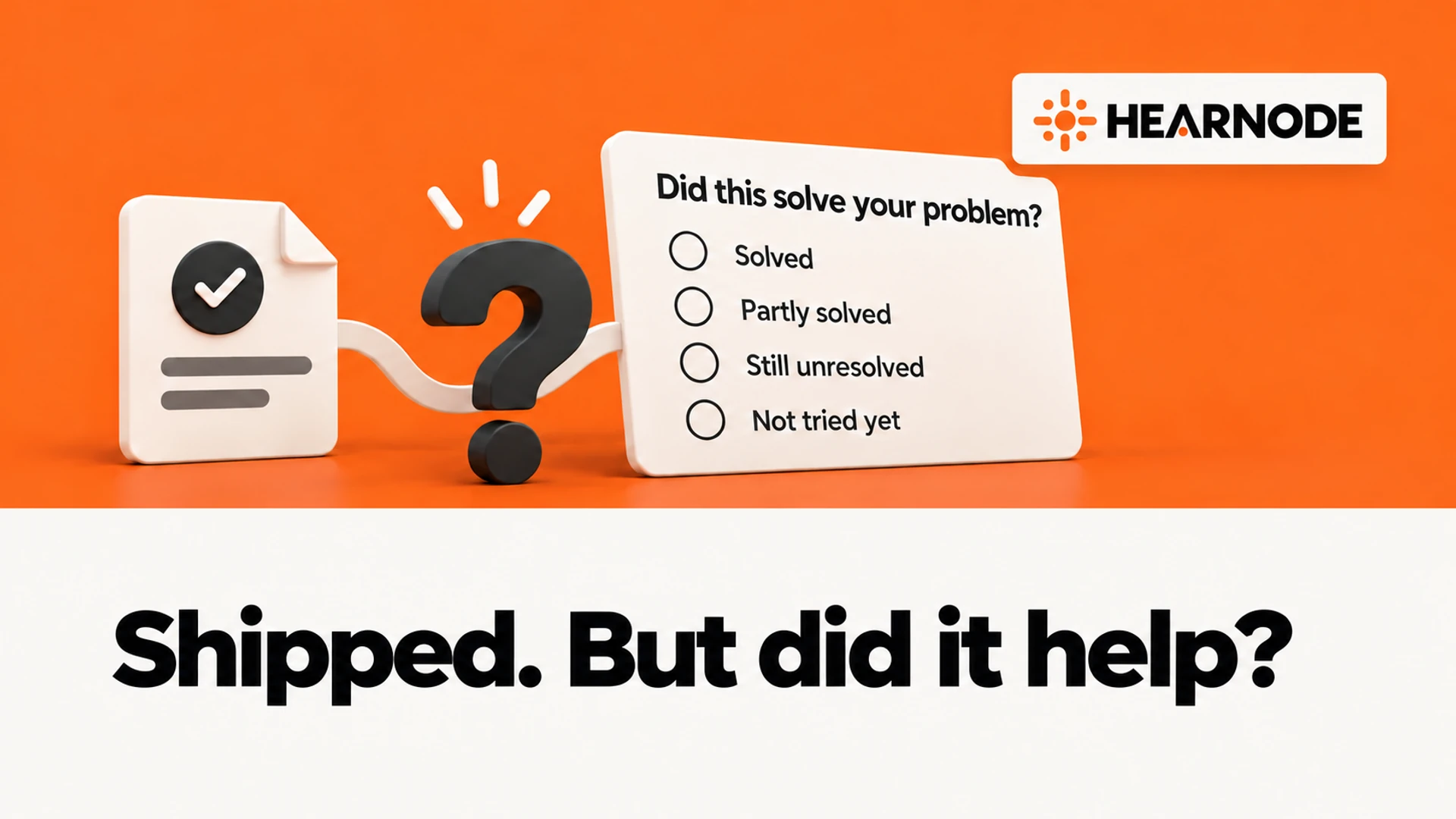
This is the habit most teams skip. After you ship something a customer asked for, go back and ask them whether it solved their problem. If the answer is often partly or not really, that tells you more about feature creep than any usage chart. It means you're adding things that don't land. We go through how to ask in post-launch feedback is the step most teams skip.
Make removal normal
Set a regular review where you look at the least used features and ask whether they still earn their place. Removing something is uncomfortable the first time and much easier after that, especially when you tell affected customers early and explain why.
When you do remove something, a simple sequence keeps it calm:
- Find out who still uses the feature and how. Talk to two or three of them before deciding.
- Decide what replaces it, if anything: a better default, an existing feature, or nothing.
- Tell affected customers directly, with a reason and a date, well before the change.
- Announce it publicly in your changelog, so nobody is surprised by its absence.
- Remove it, then follow up with the customers who relied on it to check they are fine.
Get comfortable with a clear no
Some requests should be declined, kindly and with a reason. That's not unfriendly. It protects the product the customer chose in the first place. Saying no to customers has wording that helps.
A short test before you add a setting
Settings are where feature creep hides best, so they deserve a quick test of their own. Before you add one, run through these questions with whoever is asking for it:
- Would a better default make this unnecessary? If most people would pick the same value, choose it for them.
- Who will find this setting? If the answer is “only the customer who asked”, everyone else pays for something they'll never see.
- What happens when it interacts with other settings? Two settings with three options each are nine combinations to test and explain.
- Can we remove it later? If the honest answer is no, treat it as a permanent cost, because it will be one.
- Is this one customer's workflow or a common one? Check whether the same need shows up in other requests before building for it.
Most of the time, one or two of these questions will point to a simpler answer. When they don't, at least you'll add the setting knowing what it costs.
Feature creep examples you will recognise
These patterns show up across very different products:
- The notification settings page that grew from two options to thirty, because every request for “fewer emails about X” became its own toggle.
- The export screen with formats nobody remembers adding, each built for a single customer’s system.
- The “simple” booking form that now asks about a dozen edge cases on the main screen, making the common booking slower for everyone.
- The dashboard with so many widgets that the default view is a wall of numbers nobody reads.
In each case, the individual decisions were fine. The result wasn't.
Where Hearnode helps
Two parts of Hearnode address feature creep directly. Feature Prioritization lets you define your own cost factors, so maintenance, risk or complexity can sit next to build effort in every score. The formula is benefit minus cost, and a request with a missing required input stays unscored instead of looking cheap.
Customer Outcomes handles the follow-up. When you ship a change, you link it to the requests behind it and ask the customers who followed or voted whether it solved their problem. They answer Solved, Partly solved, Still unresolved or Not tried yet, with an optional private explanation, and no answer is never counted as success. Over a few releases, that gives you a clear picture of which kinds of additions actually help, which is the best evidence you'll get for the next time someone says “it's just a small option”.
Feature creep is slow, which is what makes it dangerous. You won't notice it in any single release. But a team that counts ongoing cost and checks outcomes will notice it early, while it's still easy to fix.
Feature creep FAQs
What is feature creep?
Feature creep is the gradual build-up of features and options in a product until its core purpose becomes harder to find and use. It usually happens through many reasonable additions rather than one bad decision.
What is the difference between feature creep and scope creep?
Scope creep is when a single project grows beyond its plan, often delaying it. Feature creep happens over the life of a product, as more capabilities pile up. A team can deliver every project on time and still suffer from feature creep.
What causes feature creep in software development?
Common causes are saying yes to individual customer requests without counting ongoing costs, adding settings instead of improving defaults, building for single large customers and rarely removing anything that has already shipped.
How do you prevent feature creep?
Include ongoing cost, not just build effort, when you prioritize. Look for the shared problem behind similar requests, check whether past additions solved what they were meant to and review rarely used features regularly.
Is feature creep always bad?
Not every addition is a problem, and products need to grow. Feature creep becomes harmful when added complexity outweighs the value for most customers, making the product harder to learn, support and change.
Put this into practice with Hearnode
The features and guides behind this article.