Roadmaps & Releases
Public Roadmap or Private? What to Share With Customers and What to Keep Internal
Many teams like the idea of a public roadmap and then don't publish one, worried about missed dates, copied ideas and customers treating every item as a promise. Those risks are real but manageable. Most of them come down to what you choose to show.
Hearnode Team8 min read
In This Article
- What a public roadmap is for
- The real risks of a public roadmap
- What belongs on a public roadmap
- What to keep off a public roadmap
- Status columns or a timeline?
- Keep internal targets separate from public estimates
- Link roadmap items to the requests behind them
- Publish what you won’t build, too
- How to keep a public roadmap up to date
- How a public roadmap changes support conversations
- Public roadmap examples: three common shapes
- Running a public roadmap in Hearnode
- Public roadmap FAQs
Ask a room of product people whether they should have a public roadmap and most will say yes. Ask how many actually have one, and the number drops. The hesitation usually sounds like this: “What if we miss a date?” “What if a competitor sees it?” “What if customers think everything on it is guaranteed?”
These are fair worries. A badly run public roadmap can create all three problems. But the risks come mostly from what you publish and how, not from publishing at all. A roadmap that shows direction, uses honest estimates and is kept current tends to reduce support questions, build trust and attract the kind of feedback you actually want.
What a public roadmap is for
Before deciding what to show, be clear about what you want a public roadmap to do. For most products, it has four jobs:
- Answer “are you working on X?” without a support conversation every time.
- Show customers their feedback goes somewhere, by linking roadmap items to the requests behind them.
- Help prospects judge fit, by showing the direction the product is heading, not just where it is today.
- Collect sharper feedback on planned work, while there is still time to change it.
What isn't on the list: committing to dates, or listing every task your team will do. A public roadmap is a communication tool, not a project plan.
The real risks of a public roadmap
Missed dates
This is the most common worry and the most solvable. Missed dates hurt when you published precise ones. If you show status, rough timeframes or quarters, labelled clearly as estimates, a delay becomes an update rather than a broken promise. We go deeper on this in a roadmap without dates can still answer “when?”.
Competitors copying your plans
It's possible, but the risk is usually smaller than it feels. A roadmap shows what you plan to build, not how, and a competitor who reshapes their plans around yours is chasing you, not leading. If something is genuinely sensitive, such as an unannounced partnership, keep it off the public view. You don't have to choose between publishing everything and publishing nothing.
Customers treating items as promises
Some will, no matter what you write. You can reduce it by using careful language (planned, not coming soon), by explaining near the top that plans can change, and by updating items honestly when they do. When something is removed from the roadmap, say so and say why.
More questions, not fewer
At first, a public roadmap can prompt comments like “why isn't my request on here?” That's useful. It tells you what customers expected to see, and it gives you a natural place to answer. In the long run, a roadmap that is kept current reduces repetitive questions far more than it creates.
What belongs on a public roadmap
- Themes and outcomes that customers will recognise, such as faster reporting or better permissions for large teams.
- Items linked to customer requests, so people can follow the ones they care about.
- Clear statuses, such as Planned, In progress and Complete.
- Rough timeframes where you have them, always labelled as estimates.
- Recently completed work, which shows momentum and gives the roadmap credibility.
What to keep off a public roadmap
- Internal target dates. Your team needs them to plan. Customers don't, and showing them turns targets into deadlines.
- Technical work customers won’t notice, such as refactoring or infrastructure changes, unless it explains a visible improvement.
- Anything confidential, including unannounced partnerships, pricing changes or security fixes before they ship.
- Ideas you're not sure about. If it's an experiment, it's better described as one, or left off until you know more.
- Every small task. A roadmap with two hundred items is unreadable and impossible to keep current.
Status columns or a timeline?
Public roadmaps usually take one of two shapes. Each has strengths, and some teams use both.
| Format | What customers see | Best when | Watch out for |
|---|---|---|---|
| Status columns | Items grouped by Planned, In progress, Complete | Dates are uncertain or you ship continuously | Items sitting in Planned for a year |
| Timeline | Items placed by date, date range or quarter | Customers plan around your releases | Estimates read as commitments |
If you're publishing for the first time, status columns are the safer start. They communicate direction without inviting date arguments. You can always add a timeline view later for items where you're confident. Whichever you choose, keep the number of items manageable. A roadmap that fits on one screen gets read. One that needs ten minutes of scrolling mostly gets skimmed for a single item, then abandoned.
Keep internal targets separate from public estimates
This one habit removes most of the risk. Your team should plan against internal target dates, which can be ambitious and change often. Customers should see public estimates, which are deliberately broader and change only when you decide to update them. The two can and should differ. An internal target of mid-March might be shown publicly as Q1 or simply In progress.
When public and internal dates live in the same field, every internal slip becomes a public one. Keep them apart, and you control what customers see.
Link roadmap items to the requests behind them
A roadmap item on its own says we plan to build this. A roadmap item linked to customer requests says we plan to build this because you asked. The second is far more persuasive, and it does practical work too. Customers who followed the request can see where it stands without asking. Your team can see which planned work answers which needs, and how many accounts are waiting.
It also makes the roadmap easier to maintain. When an item ships, the linked requests can be marked complete and their followers told, in one step, rather than someone hunting through a feedback board afterwards. And when an item is dropped, you know exactly who to tell.
Publish what you won’t build, too
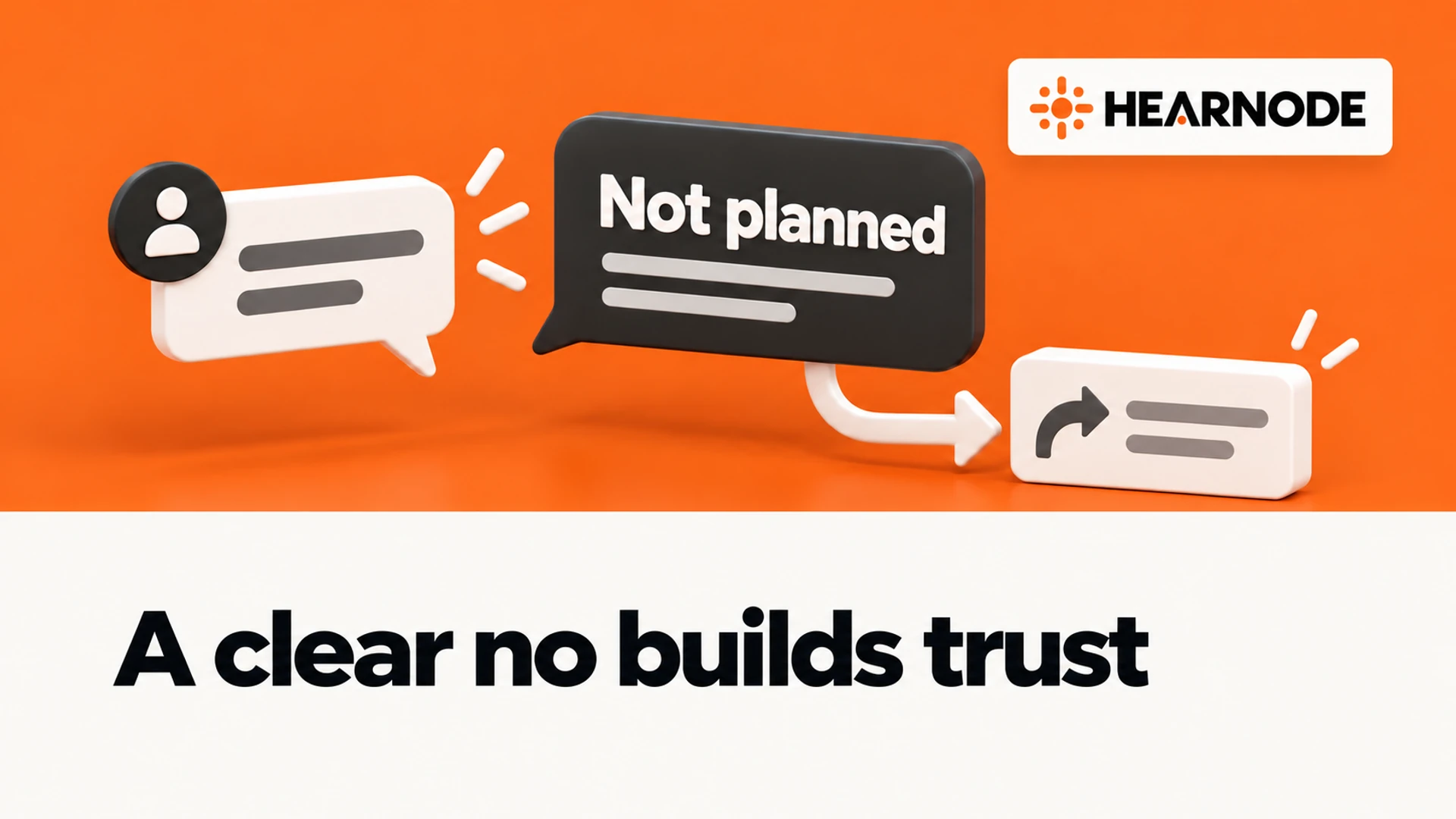
A short, public list of things your product deliberately doesn't do is one of the most underrated additions to a roadmap. It saves prospects from signing up for the wrong product, and it gives your team a clear, consistent answer to recurring requests. Zealsync's piece on saying no to a feature request in public explains why this tends to reduce support load and improve fit. For individual requests, our guide to saying no to customers covers the wording.
How to keep a public roadmap up to date
A stale roadmap is worse than none, because it tells customers nobody is paying attention. A light routine keeps it current:
- Review it every two weeks, even if nothing changed. Ten minutes is usually enough.
- Move items as soon as their status changes, not at the end of the quarter.
- When an estimate changes, update it and add a one-line reason. People are more forgiving of delays they understand.
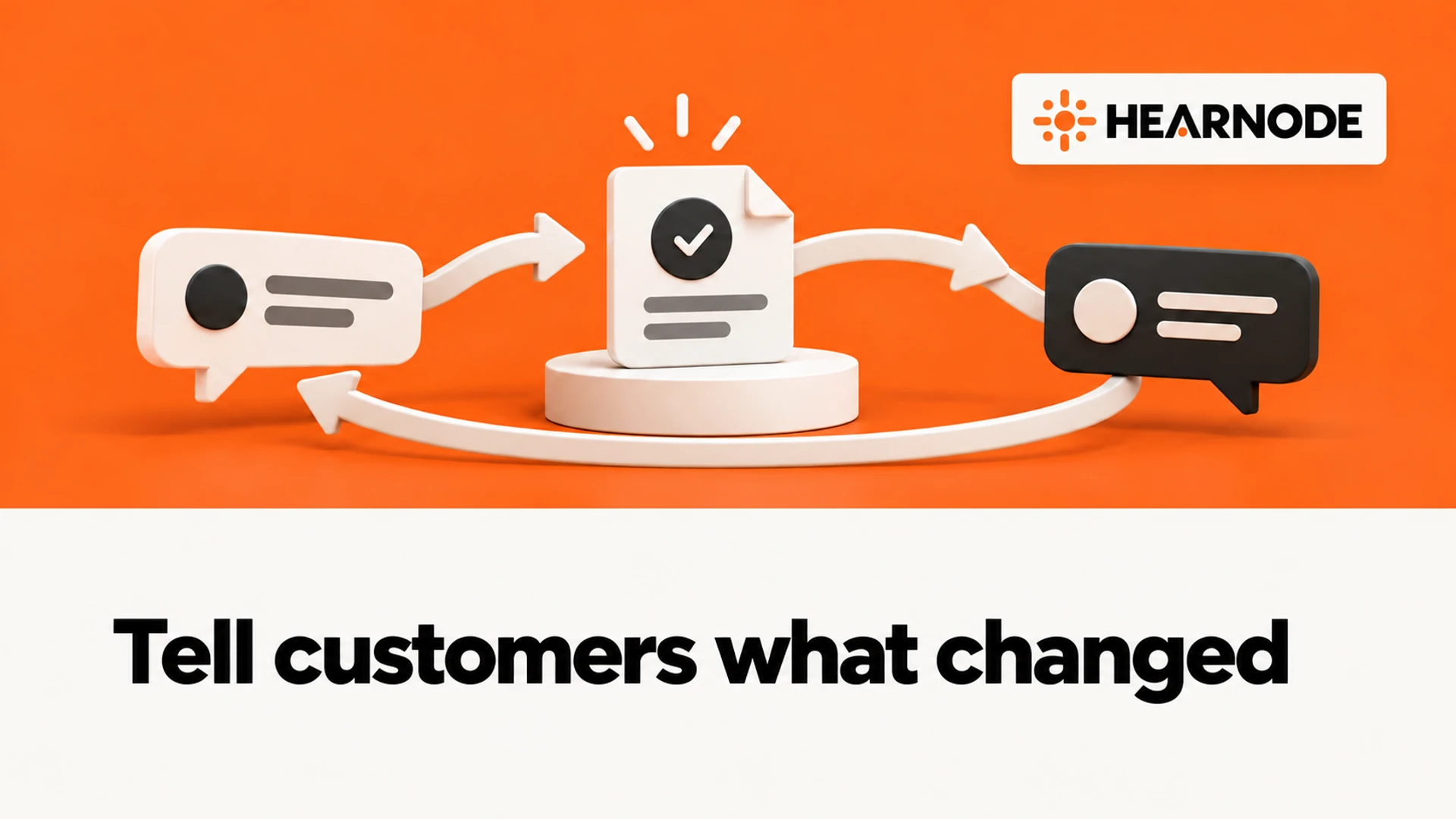
- When something ships, mark it complete and link the release, then tell the people who followed it. See how to close the feedback loop.
- Remove items you've dropped, with a short note. Quietly deleting them looks like hiding.
How a public roadmap changes support conversations
One of the quieter benefits of a public roadmap is what it does to support. Without one, “is this on your roadmap?” is a question only a few people can answer, and each answer is slightly different. With one, support can link to the item, and the customer can follow it for updates. The conversation ends in a minute instead of turning into an internal thread.
It also changes how customers ask. Instead of describing a feature from scratch, they find the nearest roadmap item and comment on it, often adding details about their use case that are useful for the team building it. The roadmap becomes a place for feedback on planned work, not just a list of announcements.
Public roadmap examples: three common shapes
Without naming anyone, most public roadmaps fall into one of these patterns:
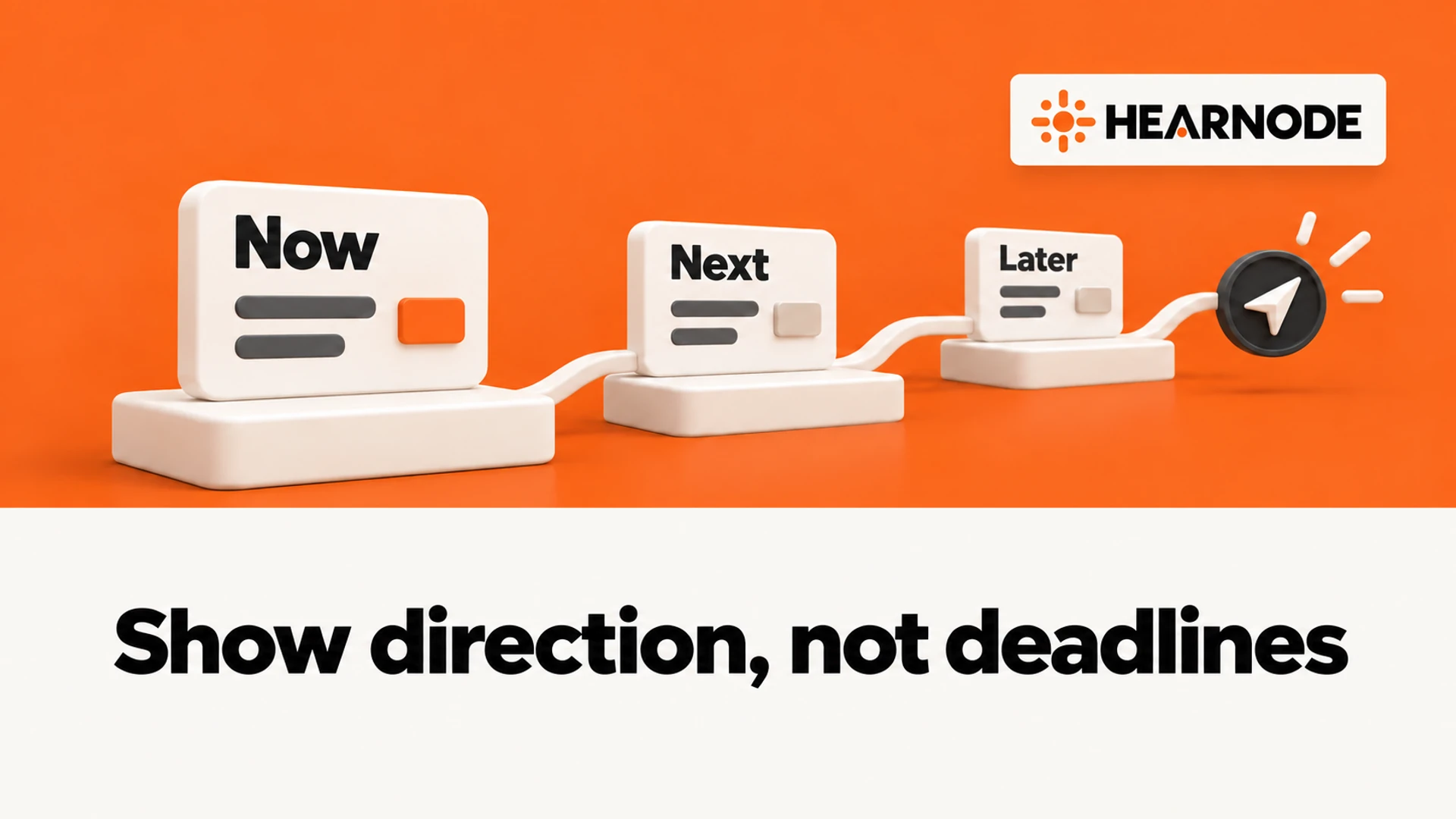
- Now, Next, Later. Three columns, no dates. Simple and hard to get wrong, though “Later” can become a parking lot.
- Themed boards. Items grouped by area, such as reporting or integrations, each with a status. Useful for products with distinct audiences.
- Quarterly timelines. Items placed in quarters, with completed work shown for the last one or two. Best for products whose customers plan around releases.
All three work. What they have in common, when they work well, is that they're current, honest about uncertainty and connected to what customers actually asked for.
Running a public roadmap in Hearnode
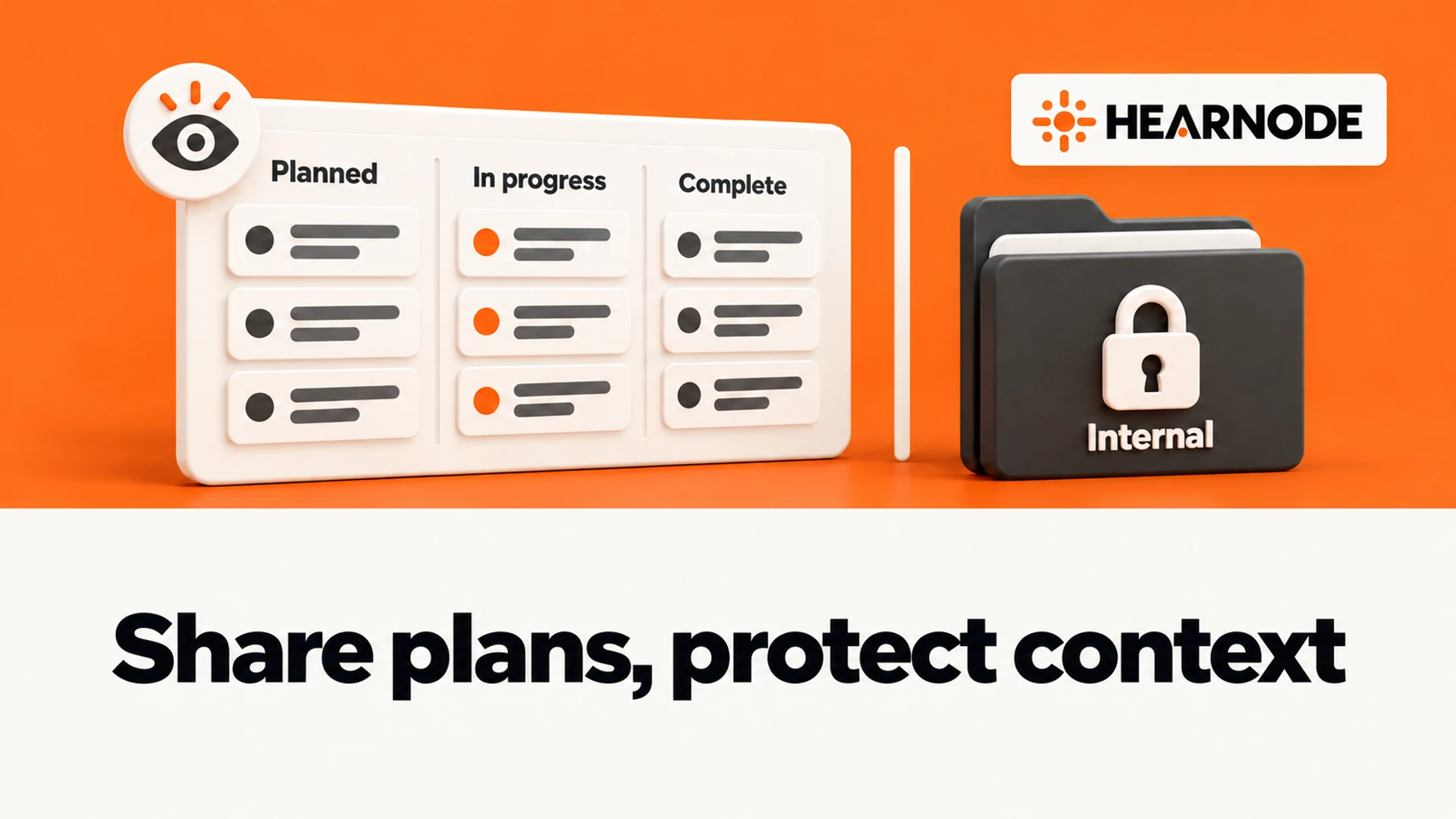
Hearnode's Product Roadmap is built around the separation described above. Your team sees internal target dates and private items. Customers see only what you've marked public.
- Show a public board with status columns such as Planned, In progress and Complete, filtered by topic, and hide any column you prefer not to show.
- Or place items on a timeline by date, date range or quarter. Items without a target date stay visible as undated instead of disappearing.
- Public dates are always labelled as estimates. Internal targets and private items never appear on the public roadmap or its embeds.
- Each roadmap item links to the feedback requests behind it, so customers can follow what they care about.
- The same public roadmap can be embedded in your product with a widget.
The roadmap guide explains how to set up public and internal views for your first Brand.
A public roadmap doesn't have to be bold or detailed to be useful. It has to be honest, and it has to be kept up to date. Do those two things and most of the risks that stop teams from publishing never really materialise.
Public roadmap FAQs
What is a public roadmap?
A public roadmap is a customer-facing view of what a product team plans to work on, is working on and has recently completed. It usually shows statuses or rough timeframes rather than detailed plans, and often links items to customer requests.
Should startups have a public roadmap?
Often, yes. A simple public roadmap helps early customers see that their feedback matters and helps prospects judge where the product is heading. Keep it small, avoid exact dates and update it regularly.
Should a public roadmap include dates?
Only broad ones, clearly labelled as estimates, such as quarters or ranges. Keep internal target dates separate. Precise public dates turn every delay into a broken promise.
Won't competitors copy our public roadmap?
They might see it, but a roadmap shows what you plan, not how you will build it. Keep confidential items off the public view. For most products, the benefits of transparency with customers outweigh the risk.
How often should a public roadmap be updated?
Review it every two weeks and update items as soon as their status changes. A roadmap that has not changed in months tells customers nobody is paying attention.
Put this into practice with Hearnode
The features and guides behind this article.